
EM Field Visualizer
Interactive visualization of electromagnetic field lines. Place charges and watch the field patterns emerge in real time.
About EM Field Visualizer
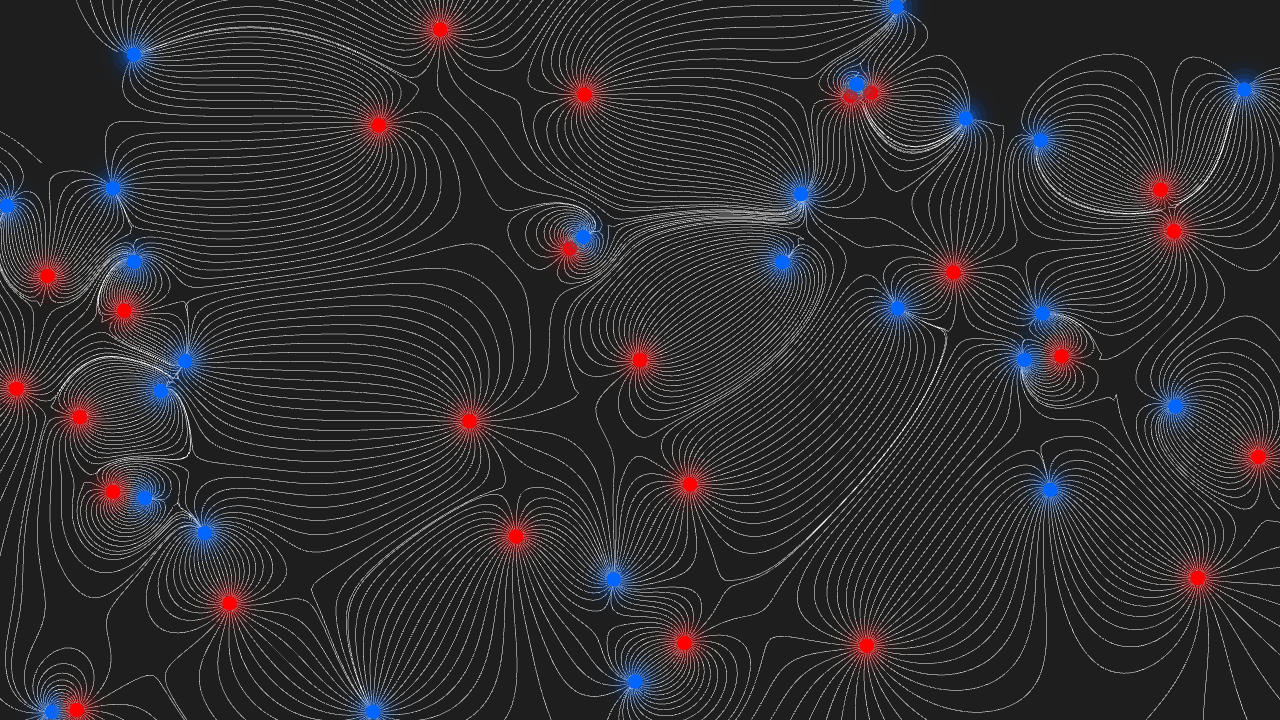
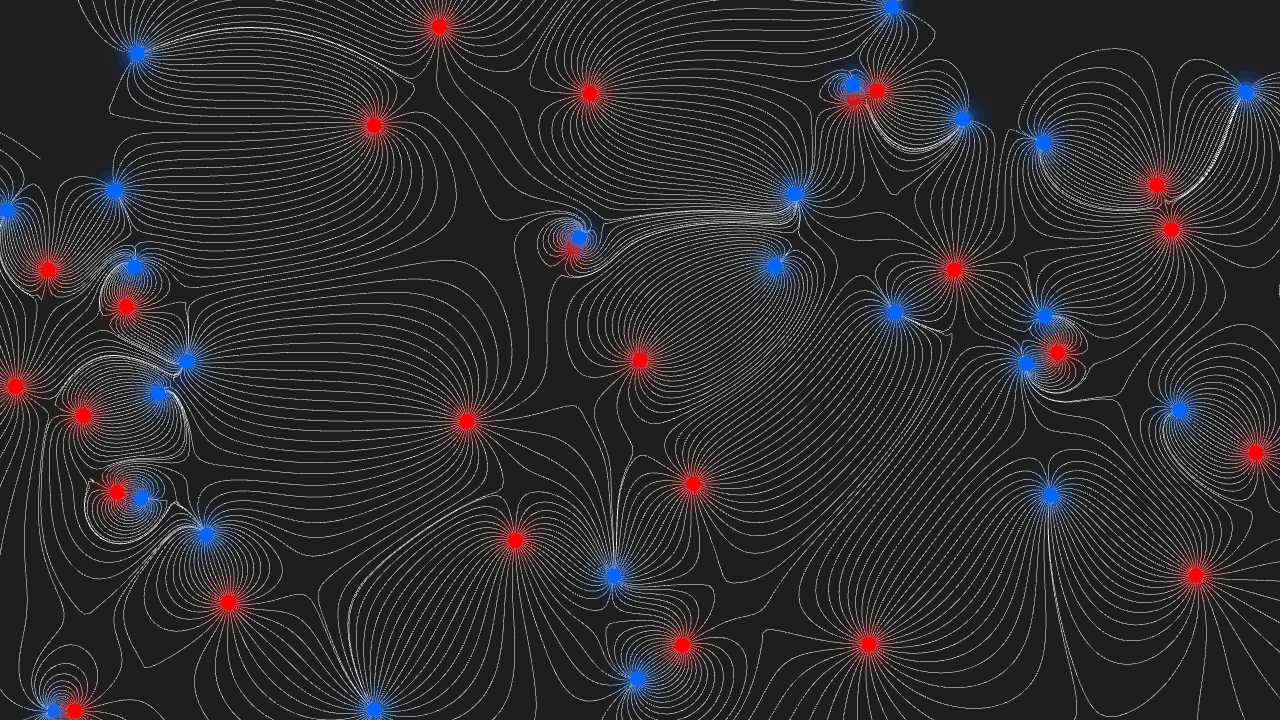
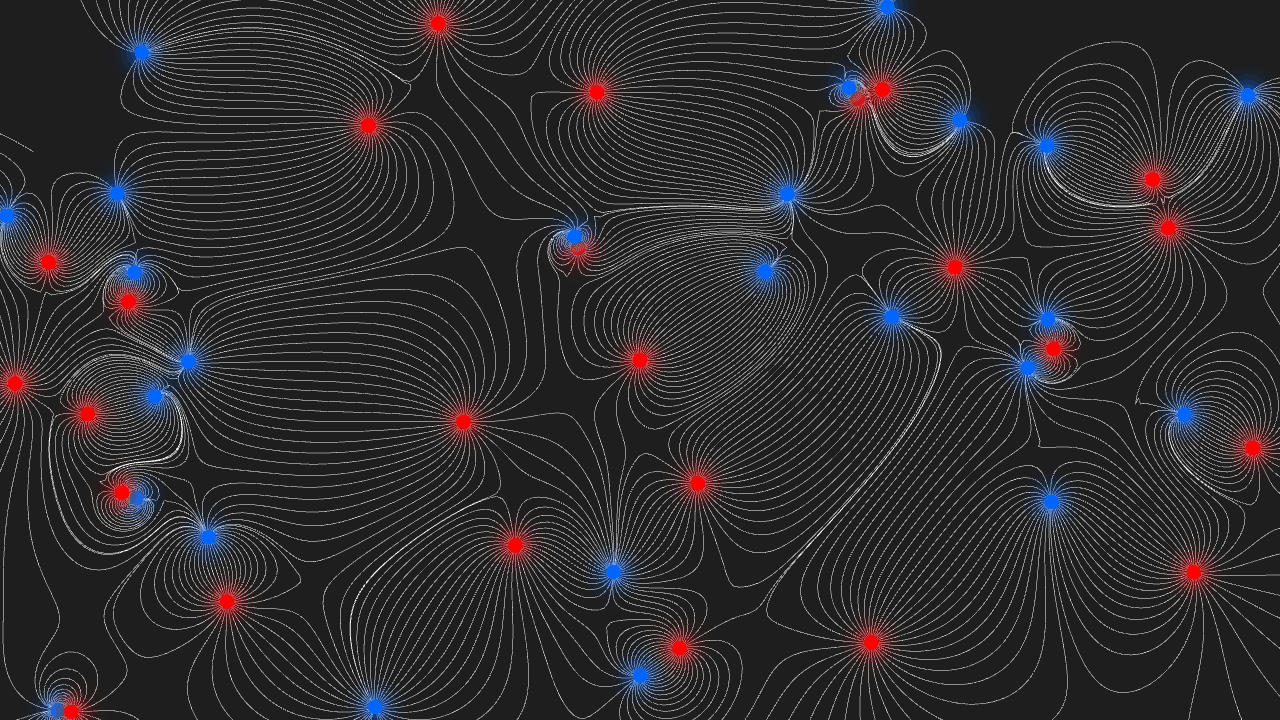
Place a positive charge on the canvas and watch electric field lines bloom outward in real time. Add a negative charge nearby and the lines curve and connect between them, bending exactly as physics says they should. Every new charge you drop reshapes the entire pattern instantly.
This is a hands-on way to build intuition for concepts that are notoriously hard to picture — why opposite charges attract, how field lines never cross, what happens when you cluster several charges together. It runs entirely in the browser with no setup required. If you enjoy this kind of physics sandbox, interactive simulations have plenty more to explore, including Fluid Simulation for a different take on real-time field behavior.
Mouse clicks place charges; most browsers handle it smoothly on a laptop trackpad too, though a proper mouse gives you the most precise control when you're arranging tight charge configurations.
Look inside
How to use
Explore and manipulate electromagnetic fields in real-time through interactive visualization. • Move your mouse around the screen to control a magnetic attractor • Click to change the polarity of your attractor (positive/negative charge) • Click and drag to move the attractor to different positions • Watch how field lines bend and flow around attractors and repellers The simulation shows glowing field lines that represent electromagnetic forces. Multiple attractors with different polarities move automatically around the screen, creating dynamic interactions. Your mouse-controlled attractor influences the entire field - observe how field lines are drawn toward positive charges and pushed away from negative charges. The visual effects change based on the proximity and polarity of nearby attractors. The goal is to experiment and learn how electromagnetic fields behave. Try moving your attractor near others with the same or opposite polarities to see different field patterns emerge.
Reviews
No written reviews yet. Be the first!
More from Interactive

An interactive particle sandbox. Drop sand, water, fire, and more and watch elements interact in a mesmerizing physics simulation.
by mohanad-80


