
Tip Calculator
Calculate tips based on bill amount, service quality, and number of people splitting.
About Tip Calculator
Enter your bill total, slide the tip percentage to match how you felt about the service, and split the result across however many people are at the table. The math resolves instantly — no scribbling on napkins, no awkward pauses while someone works it out on their phone's default calculator.
It's a focused tool that does one thing well. You choose the tip level yourself rather than picking from a fixed 15/18/20 preset, which means it handles both the forgettable diner coffee refill and the genuinely thoughtful server equally fairly. Part of the broader finance apps collection, it fits right alongside tools for tracking where that dining budget actually goes.
Works best in a browser tab on your phone at the table — landscape or portrait, no sign-in required, nothing to install.
Look inside
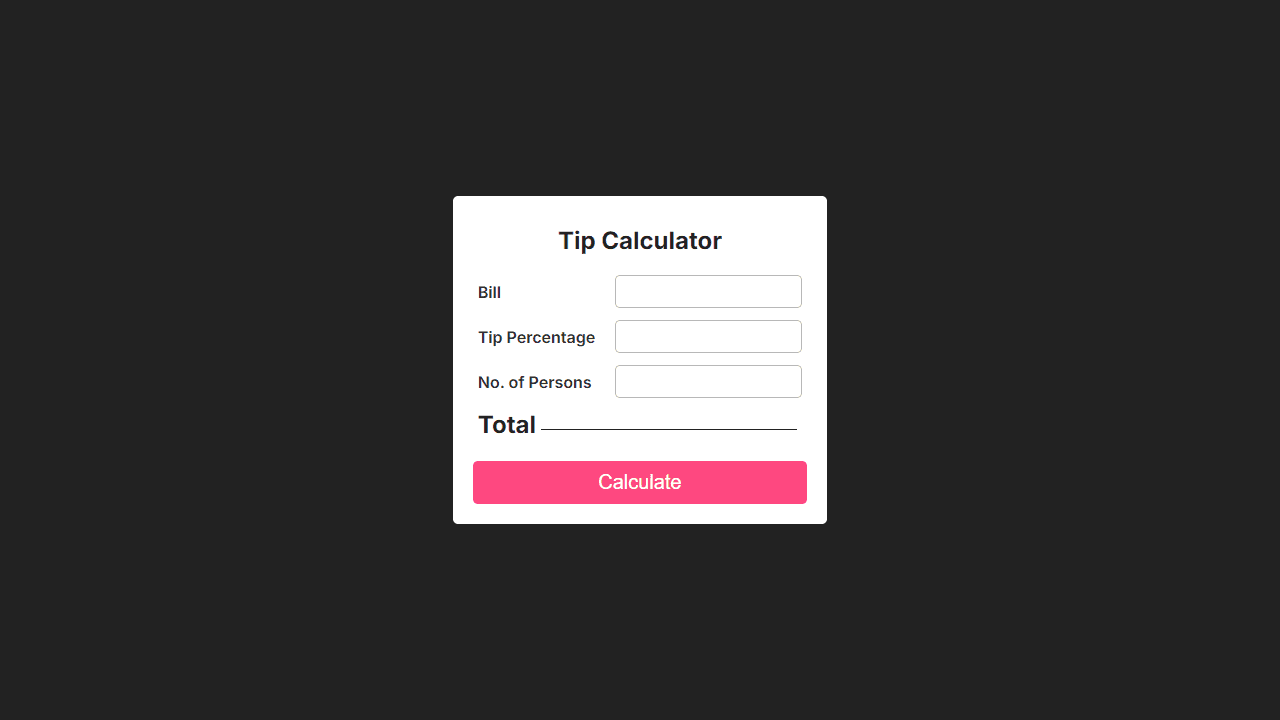
How to use
This tool calculates tips and splits bills among multiple people at restaurants or for services. • Enter the total bill amount in the "Bill" field using your keyboard • Input the tip percentage you want to give (e.g., 15, 18, 20) • Specify how many people will split the bill in "No. of Persons" • Click the "Calculate" button with your mouse to get results The calculator automatically computes: • Total tip amount based on your percentage • Grand total including tip • Amount each person owes when splitting the bill All input fields accept numbers only. You can type directly into each field or use the number pad. The tool updates instantly when you click Calculate, showing the final amounts in the Total section below the input fields. Use this whenever you need to quickly figure out appropriate tips and fair bill splits at restaurants, bars, or for service providers.
Reviews
No written reviews yet. Be the first!


