
Kharcha
Track income, expenses, and budgets in a clean interactive dashboard. Set spending categories, view charts, and get insights into your financial habits — all stored locally.
About Kharcha
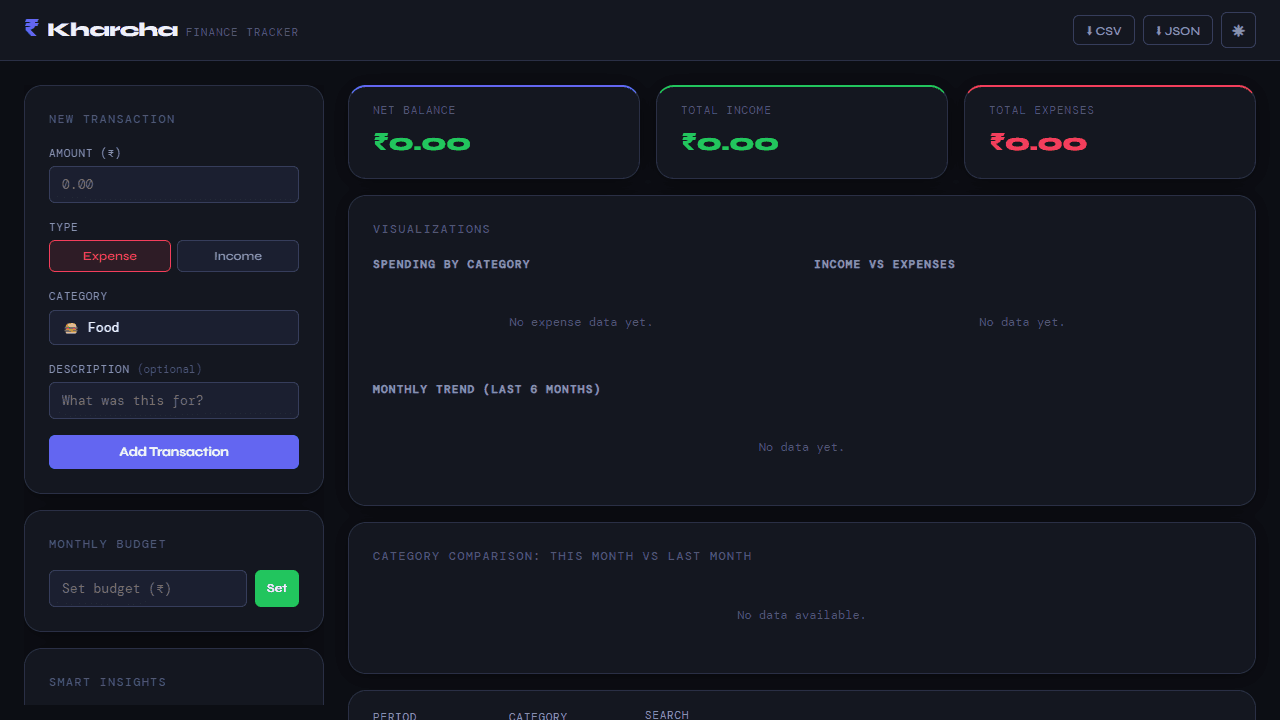
Add an income entry, assign it a category, and watch the dashboard update in real time — that's the core loop in Kharcha. You build a picture of your finances by logging what comes in and what goes out, grouping expenses into custom categories like rent, groceries, or transport. The charts fill in as you go, so patterns emerge without any manual number-crunching.
Everything stays on your device. No account, no sync, no data leaving the browser. That also means your records are tied to this browser session, so it's worth exporting or noting anything important before clearing your cache. The dashboard works best on a larger screen — the charts and category breakdown sit side by side, and the full layout gets cramped on a small phone display.
If you want something that goes in a different direction — more structured budgeting with envelope-style planning — Budget Maker is worth a look. Otherwise, Kharcha fits neatly into the broader finance tools collection here. Keyboard and mouse work fine; no touch-specific gestures required.
Look inside
How to use
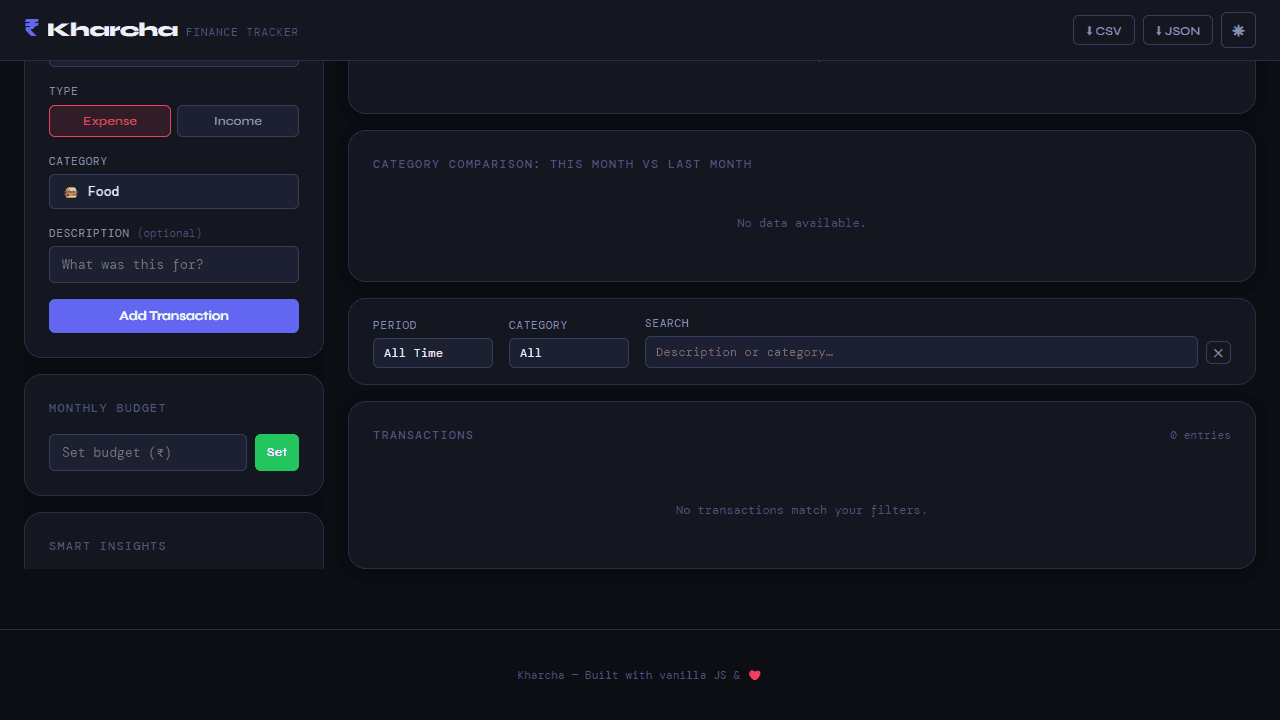
Track your personal finances by adding income and expense transactions to analyze your spending habits and manage budgets effectively. **Adding Transactions:** 1. Enter amount in the left sidebar form 2. Click "Expense" or "Income" button to select type 3. Choose a category from dropdown (Food, Rent, Travel, Bills, Other) 4. Add optional description 5. Click "Add Transaction" button **Budget Management:** • Set monthly budget by entering amount and clicking "Set" • Progress bar shows spending vs budget limit • Alerts warn when approaching or exceeding budget **Data Analysis:** • View real-time balance, income, and expense totals at top • Charts automatically update showing category breakdown and trends • Compare current vs previous month spending by category **Filtering & Search:** • Use dropdown filters for date periods and categories • Search transactions by description or category name • Clear filters using the ✕ button **Additional Features:** • Export data as CSV/JSON using header buttons • Toggle dark/light theme with sun/moon icon • All data saves automatically in your browser
Reviews
No written reviews yet. Be the first!


