
Reaction Diffusion
Interactive simulation of organic Turing patterns emerging from two chemicals mixing together. Adjust parameters to create mesmerizing biological patterns.
About Reaction Diffusion
Two invisible chemicals chase and avoid each other across a canvas, and what emerges looks startlingly alive — spots, stripes, coral branches, and labyrinthine whorls that shift as you drag the sliders. The simulation is based on Alan Turing's 1952 reaction-diffusion model, the same mathematics thought to underlie animal coat patterns. You're not drawing anything; you're adjusting feed rates and kill rates and watching the system decide what to grow.
Sliders control how fast each chemical spreads and how aggressively one consumes the other. Small nudges tip the balance between orderly spots and tangled filaments, and some parameter combinations collapse into stillness while others never settle. It sits squarely in the interactive simulation category — hands-on, open-ended, no score. Fluid Simulation covers similar ground if you'd rather push color through turbulent flow than grow patterns.
A larger screen helps here because the full pattern canvas gives the structures room to develop at a resolution where the fine detail — the thin connecting threads between blobs — actually shows up. Mouse or trackpad is all you need.
Look inside
How to use
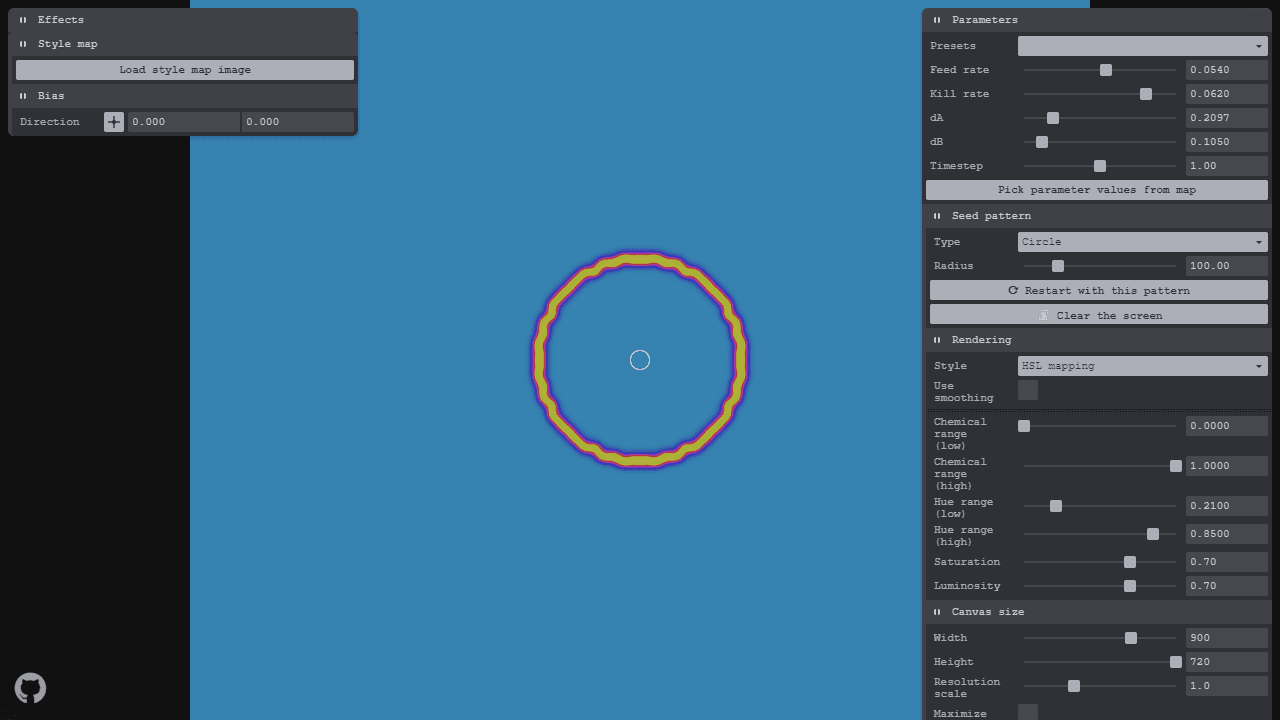
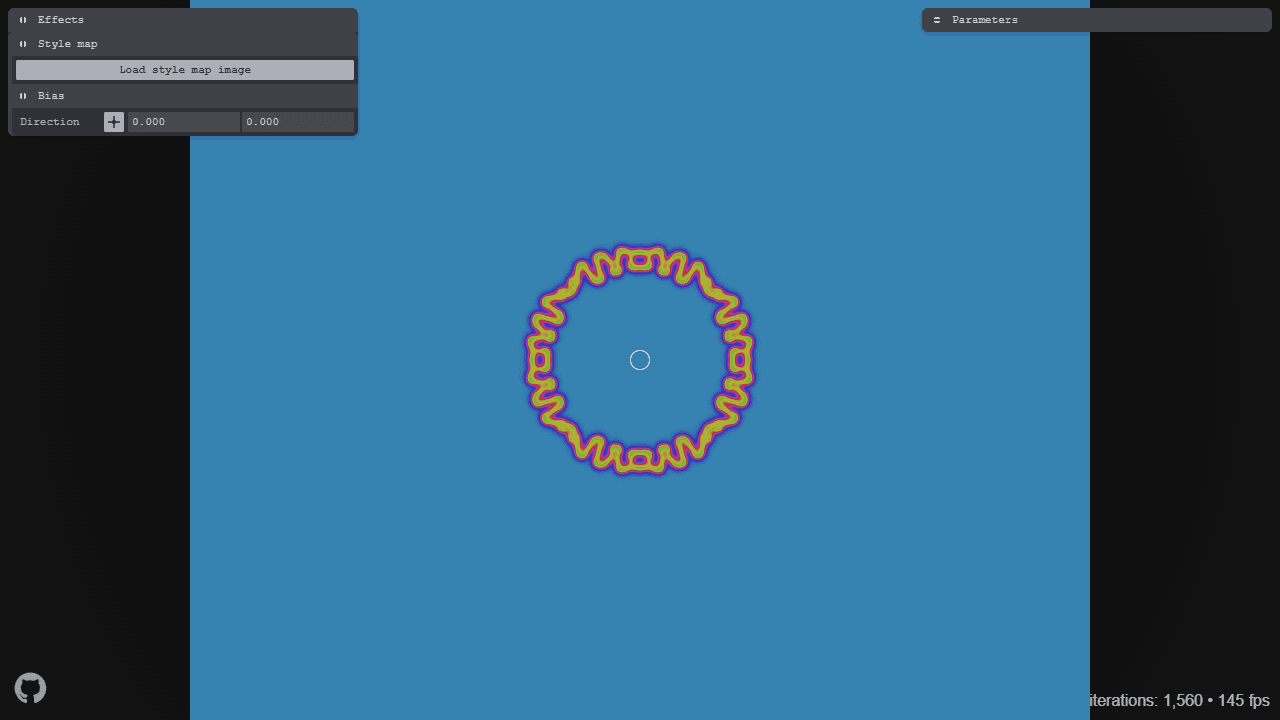
Watch two virtual chemicals react and diffuse to create organic patterns like animal stripes and spots. **Controls:** • Use sliders on the right panel to adjust equation parameters (f, k, dA, dB) - change gradually to avoid system collapse • Click "Pick parameter values from map" to open interactive parameter map - click anywhere to set f and k values • Choose seed patterns (circle, square, text, or upload image) to start the reaction • Click "Reset" to restart with selected pattern or "Clear" to empty canvas • Adjust rendering style to change how patterns are displayed **Advanced Features:** • Upload style map images to vary parameters based on pixel brightness • Use bias controls to weight diffusion in specific directions • Maximize canvas to fill screen or set custom dimensions • Export current state as image **Objective:** Explore different parameter combinations to discover unique emergent patterns and behaviors. Small parameter changes can create dramatically different visual results, from coral-like structures to maze patterns to spotted textures.
Reviews
No written reviews yet. Be the first!
More from Interactive

An interactive particle sandbox. Drop sand, water, fire, and more and watch elements interact in a mesmerizing physics simulation.
by mohanad-80


