
Particle Gravity
An interactive N-body gravity simulation with GPU-accelerated particles. Watch galaxies form, collide, and evolve in real-time.
About Particle Gravity
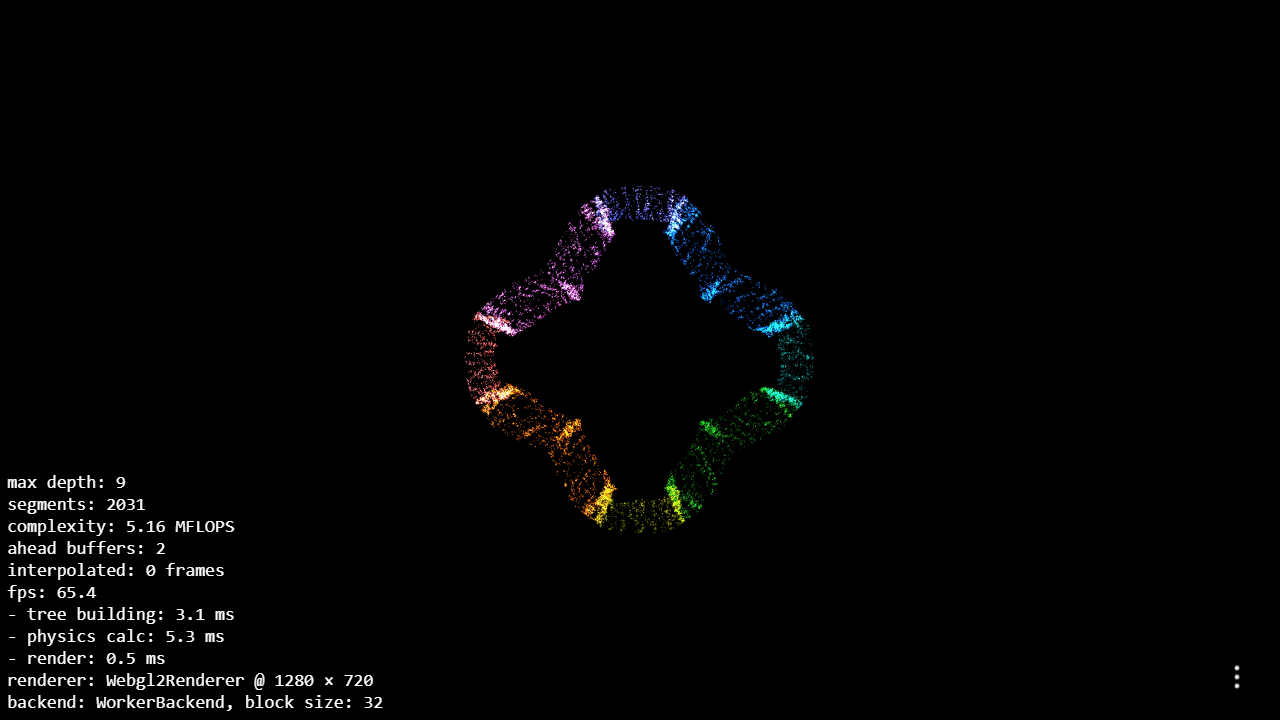
Drag your cursor across the canvas and thousands of particles immediately respond, pulled toward each other by simulated gravity until clumps form, spiral arms stretch outward, and structures that look unmistakably like galaxies emerge from nothing. This is an N-body simulation running entirely on your GPU via WebGL, which means it stays fluid even with particle counts that would grind a CPU-based sim to a halt.
Spawn multiple clusters, fling them at each other, and watch them merge or tear each other apart. The physics isn't handwaved — every particle exerts gravitational force on every other, so the chaotic, lopsided collisions you'd expect actually happen. It fits naturally alongside other interactive simulations that reward curiosity over instruction. If you enjoy watching particle systems respond to forces, Fluid Simulation offers a similarly hands-on feel with liquid dynamics.
No tutorial needed — mouse clicks and drags are all the controls there are, and it runs best on a desktop browser with a dedicated GPU.
Look inside
How to use
Watch particles interact through gravitational forces to form galaxy-like patterns over time. **Mouse Controls:** • Drag to pan around the simulation • Scroll wheel to zoom in/out • Watch as particles naturally cluster and form spiral patterns **Main Controls:** • Click the settings button (bottom right) to adjust parameters • Modify particle count, gravity strength, and collision settings • Choose different initial particle arrangements (uniform, rotation, collision patterns) **Key Features:** • All particles attract each other through simulated gravity • Higher particle counts create more realistic galaxy formations • Collisions can be enabled for more complex interactions • Spatial tree optimization allows for thousands of particles **Performance Tips:** • Start with fewer particles (10,000-50,000) for smooth performance • Enable GPGPU backend for larger simulations • Adjust gravity strength to speed up or slow down formation process The simulation runs automatically once loaded. Experiment with different settings to see how various initial conditions lead to different galactic structures. Galaxy-like spiral patterns typically emerge after several minutes of simulation time with appropriate particle counts and gravity settings.
Reviews
No written reviews yet. Be the first!
More from Interactive

An interactive particle sandbox. Drop sand, water, fire, and more and watch elements interact in a mesmerizing physics simulation.
by mohanad-80


