Leaderboard
A score tracking leaderboard. Add players, submit scores, and see rankings update in real time. Great for game nights.
About Leaderboard
Add players, punch in scores after each round, and watch the rankings shuffle in real time. That's the whole loop — and it works exactly as well as it sounds for keeping a group of friends honest during game night. No signup, no setup overhead, just a clean table of names and numbers that updates the moment you hit submit.
It fits naturally into any evening built around gaming tools: board game tournaments, card game marathons, casual trivia brackets, or anything else where someone inevitably disputes who's actually winning. If your group also needs someone chosen at random for a penalty round, Lucky Draw handles that side of things nicely.
Everything runs in the browser with no installation required, so pulling it up on a shared screen or a phone passed around the table takes about five seconds.
How to use
• Enter your name and score (1-100) in the input fields on the right side • Click "Submit" to add your score to the leaderboard • Your score will be saved and displayed in the "Recent Scores" table on the left • Click the "Refresh" button to update the scores list and see the latest entries • The app tracks and displays all submitted scores with player names • Use your mouse to click buttons and keyboard to type in the input fields • Name field accepts up to 25 characters, score must be between 1 and 100 • All scores are stored and can be viewed by refreshing the leaderboard The goal is to submit your gaming scores and compare them with other players on a shared leaderboard.
Reviews
No written reviews yet. Be the first!
More from Gaming Tools
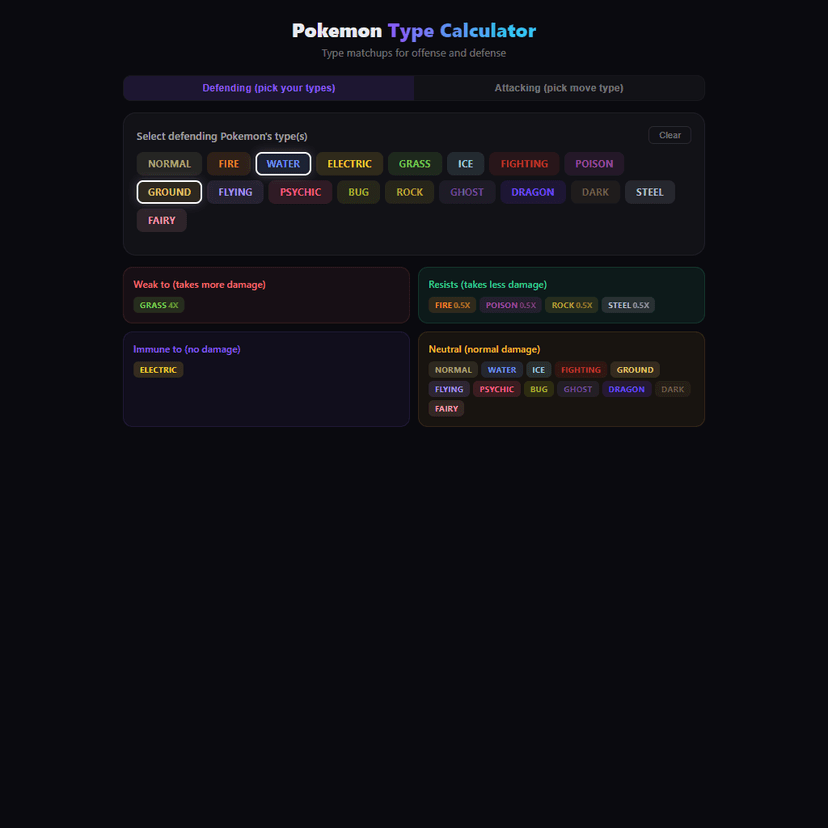
Full type matchup calculator for Pokemon. Check weaknesses, resistances, and immunities for any type combo. Supports dual types and both offense/defense modes.
by Launch Arcade