
Lucky Draw
A flashy raffle and lucky draw app with dramatic spinning animations. Add names, hit the button, and watch the winner get picked.
About Lucky Draw
Type in a list of names, hit the draw button, and watch the spinner blur through candidates before landing dramatically on a winner. Lucky Draw turns any raffle or group decision into a moment — the kind that makes a room lean in. It's built for events, classrooms, game nights, or any situation where picking fairly needs to feel fun rather than clinical.
Setup takes under a minute. Paste or type names, customize the pool as often as you like, and draw repeatedly without leaving the page. It fits naturally alongside other gaming tools for running events or tabletop sessions. If you want something with a physical wheel feel instead of a name list, Lottery Wheel is worth a look too.
Works best on a screen everyone can see — a TV, a monitor turned toward the crowd, or a shared laptop. No account needed, no setup beyond a browser.
Look inside
How to use
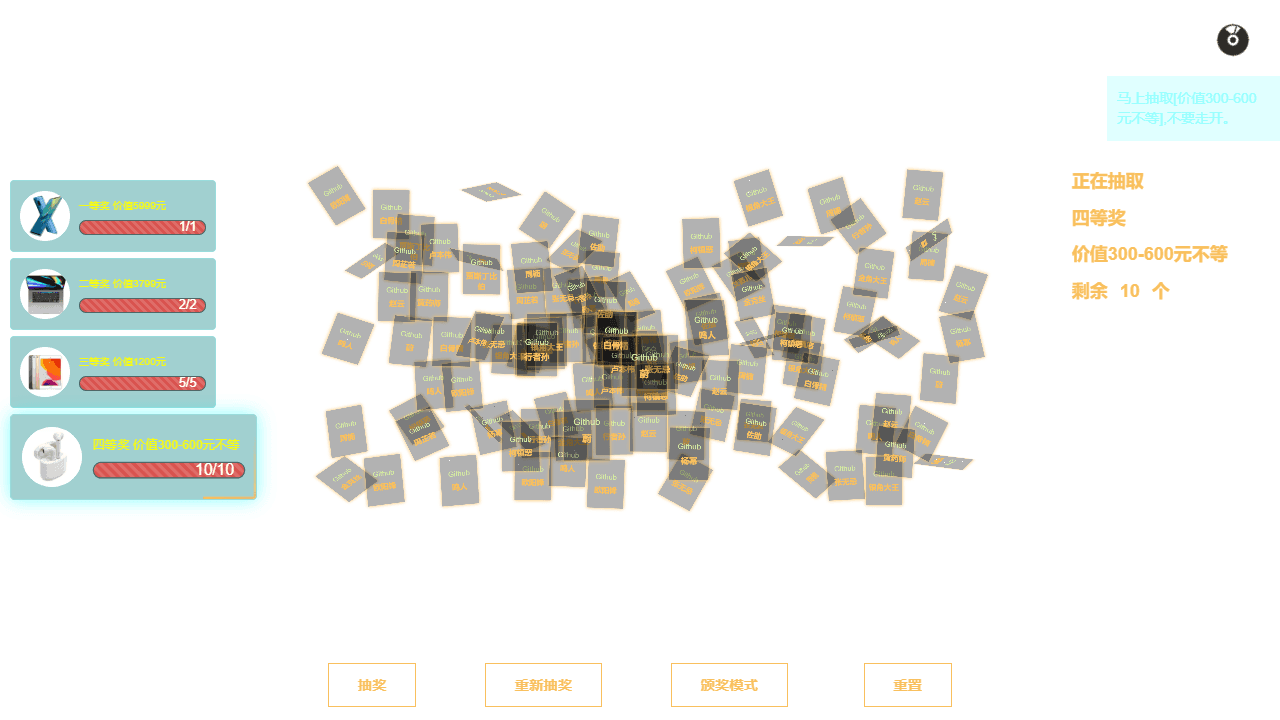
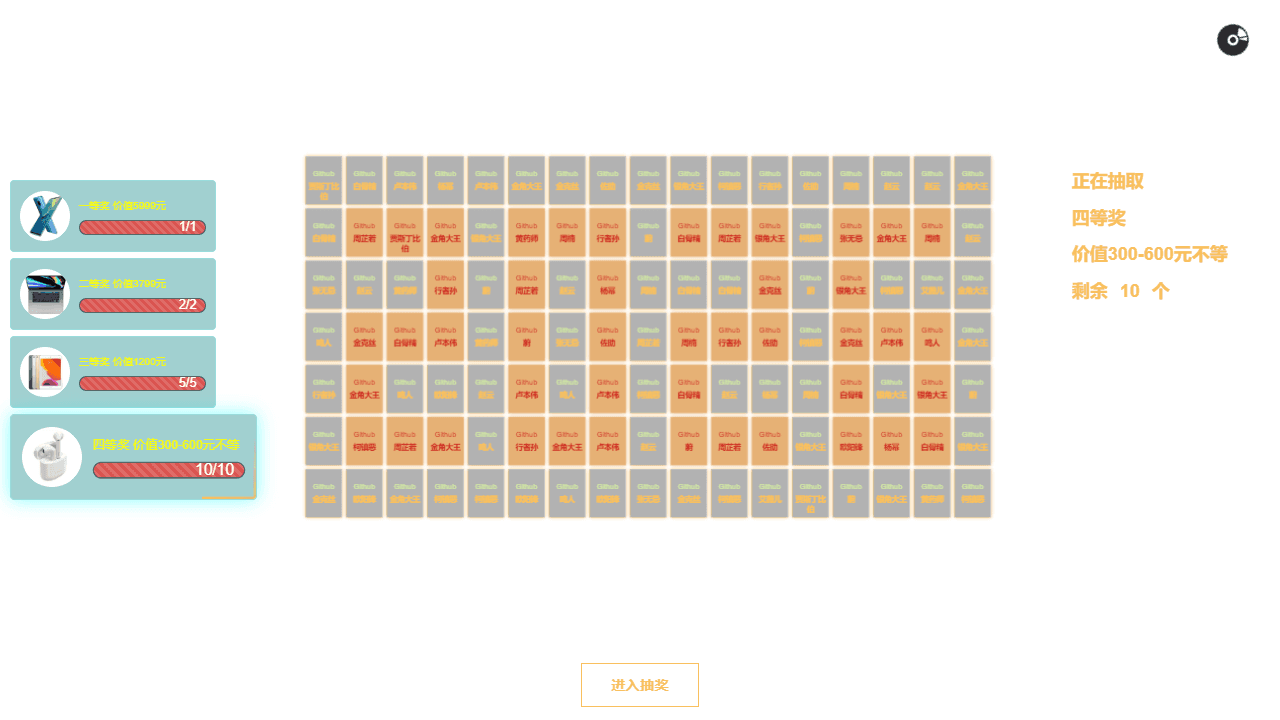
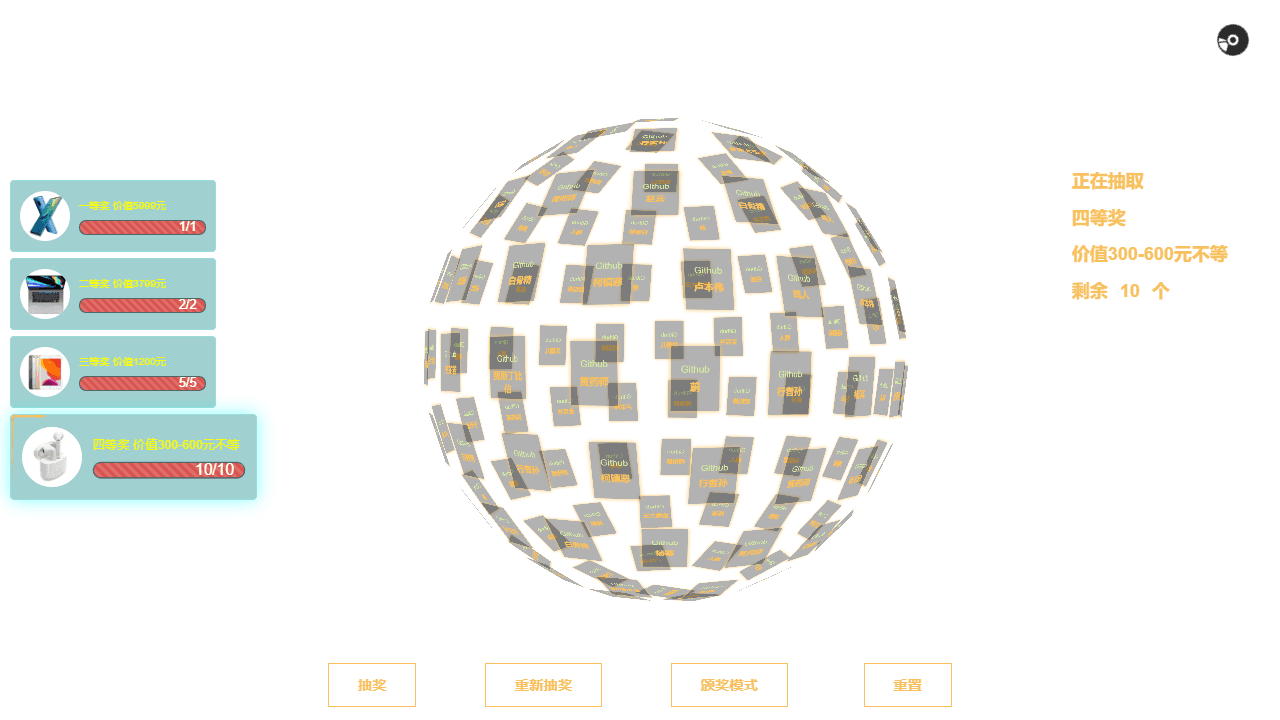
This is a lottery drawing tool for events and company parties. Enter participant names and prizes, then conduct random drawings with 3D visual effects. • Click "进入抽奖" (Enter Lottery) to start • Click "抽奖" (Draw) to begin the lottery animation - names will spin in 3D space • Wait for the animation to stop and reveal winners • Use "重新抽奖" (Redraw) to pick different winners for the current prize • Click "颁奖模式" (Awards Mode) to play celebration music and effects • Use "重置" (Reset) to clear all results and start over Setup your lottery by editing the configuration file: • Add participant names to the user array • Configure prizes with images, quantities, and descriptions • Set company name and background images • Adjust animation speed and rotation circles The tool automatically saves progress - if you refresh the page, previous results are preserved. Winners are removed from the pool for subsequent draws. Background music plays during different phases, and you can toggle audio with the music control button.
Reviews
More from Gaming Tools

Roll any dice for tabletop RPGs. All standard dice (d4-d100), custom notation (2d6+4), advantage/disadvantage, modifiers, and roll history.
by Launch Arcade


