
Mouse Sensitivity Converter
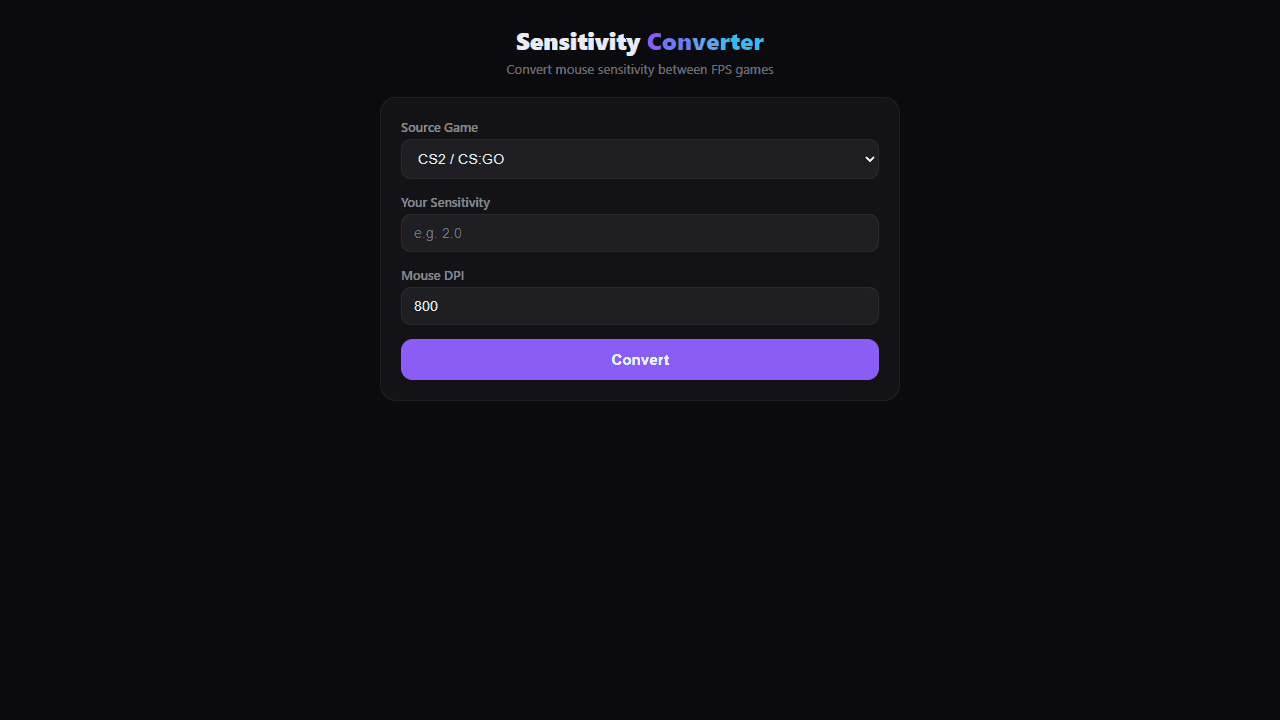
Convert mouse sensitivity between FPS games. Supports CS2, Valorant, Overwatch 2, Apex, Fortnite, CoD, R6, PUBG, and more. Shows cm/360 and eDPI.
About Mouse Sensitivity Converter
Plug in your current sensitivity from one game, pick your target game, and instantly see the matching value — along with your cm/360 and eDPI so you always know exactly how far your mouse travels per full turn. Switching from CS2 to Valorant, or jumping into Apex after a long Overwatch 2 session, no longer means spending twenty minutes in a practice range just to feel normal again.
The converter covers a wide roster of popular shooters including CS2, Valorant, Overwatch 2, Apex Legends, Fortnite, Call of Duty, Rainbow Six Siege, and PUBG. It's a straightforward tool built for players who care about consistency — if your muscle memory is dialed in at a specific cm/360, this keeps it intact across every game in your rotation. It sits alongside other handy apps in the gaming tools catalog.
Works entirely in the browser with no account needed — just numbers in, numbers out. Most useful on a desktop where you can keep it open in a tab while adjusting your in-game settings.
Look inside
How to use
This tool converts mouse sensitivity settings between different FPS games to maintain consistent aiming feel. 1. Select your current game from the "Source Game" dropdown (CS2, Valorant, Overwatch, etc.) 2. Enter your current sensitivity value in the "Your Sensitivity" field 3. Enter your mouse DPI in the "Mouse DPI" field (default is 800 DPI) 4. Click "Convert" to see equivalent sensitivity values for all other supported games The tool calculates your eDPI (effective DPI), cm/360° rotation distance, and sensitivity classification. Use the converted values when switching between games to maintain the same mouse movement distance for a full 360° turn. Your sensitivity class ranges from "Very Low" (arm aimer) to "Very High" based on how much mouse movement is needed. Pro players typically use 30-50 cm/360° in tactical shooters. All calculations are based on each game's yaw scaling values to ensure accurate conversions across different engines and sensitivity systems.
Reviews
No written reviews yet. Be the first!
More from Gaming Tools

Roll any dice for tabletop RPGs. All standard dice (d4-d100), custom notation (2d6+4), advantage/disadvantage, modifiers, and roll history.
by Launch Arcade


