
Fraction Calculator
Add, subtract, multiply, and divide fractions with ease.
About Fraction Calculator
Punch in a fraction, choose your operation, and get a clean result — including the simplified form — in seconds. Whether you're checking homework, scaling a recipe, or working through a construction measurement, this calculator handles the arithmetic so you don't have to wrestle with lowest common denominators by hand. It works with mixed numbers too, not just simple fractions.
It's part of a growing set of math and productivity tools on Launch Arcade. If you need to go further with numbers, Statistics Calculator is a natural next step for anyone dealing with data sets alongside fractional values.
The interface is keyboard-friendly, so power users can move through inputs without touching the mouse — handy if you're working through a long list of calculations at a desk.
Look inside
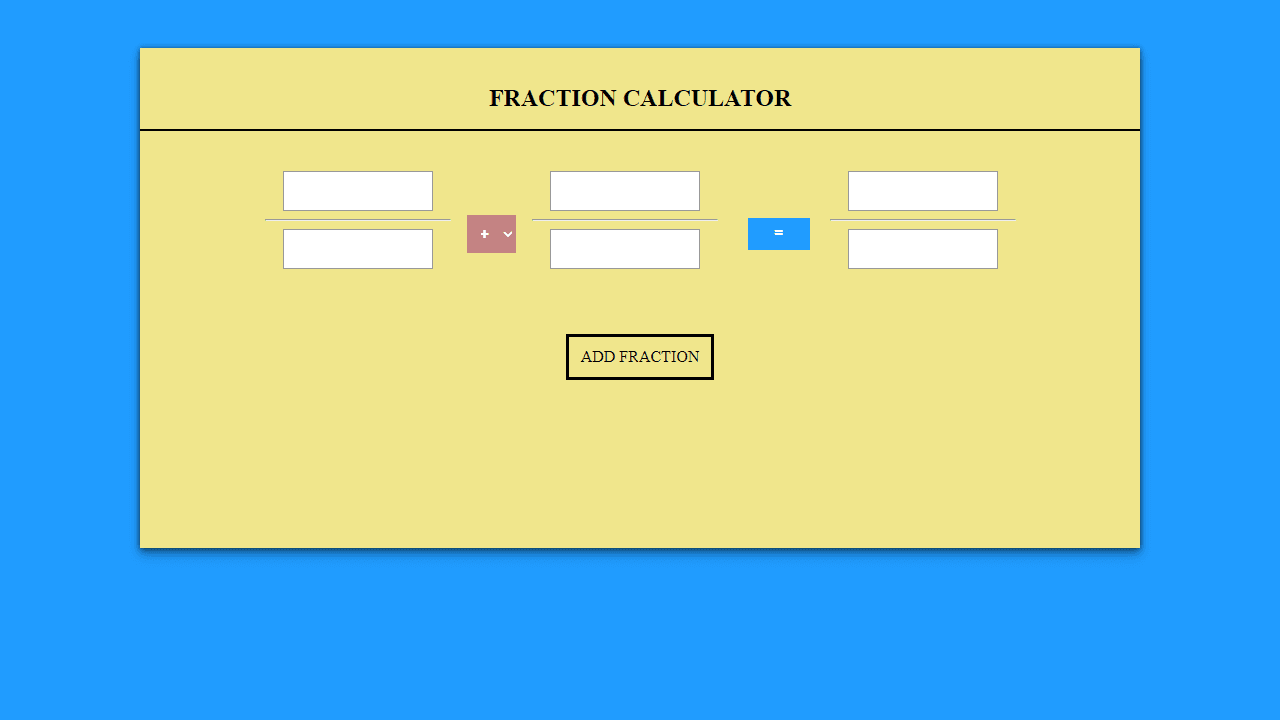
How to use
This tool performs calculations with fractions and displays results in proper fraction format. • Click "ADD FRACTION" to create input fields for fractions • Enter numbers in the numerator (top) and denominator (bottom) fields for each fraction • Choose an operation (+, -, ×, ÷) between fractions using the dropdown menus • Click the "=" button to calculate the result • The answer appears as a simplified fraction in the result box • Add multiple fractions to perform complex calculations in sequence • All results are automatically reduced to their simplest form • Use your mouse to click buttons and keyboard to type numbers • Clear errors by correcting invalid inputs like zero denominators
Reviews
No written reviews yet. Be the first!
More from Tools

A witchy weather app where Morgana the Witch peers into the meteorological beyond. Get current conditions, hourly forecasts, and a 7-day outlook for any city in the world — then check back tomorrow to see if the Witch's prophecy held, or if she "cast a spell" to change the weather.
by mercury


