
Statistics Calculator
Compute mean, median, mode, standard deviation, and more from a data set.
About Statistics Calculator
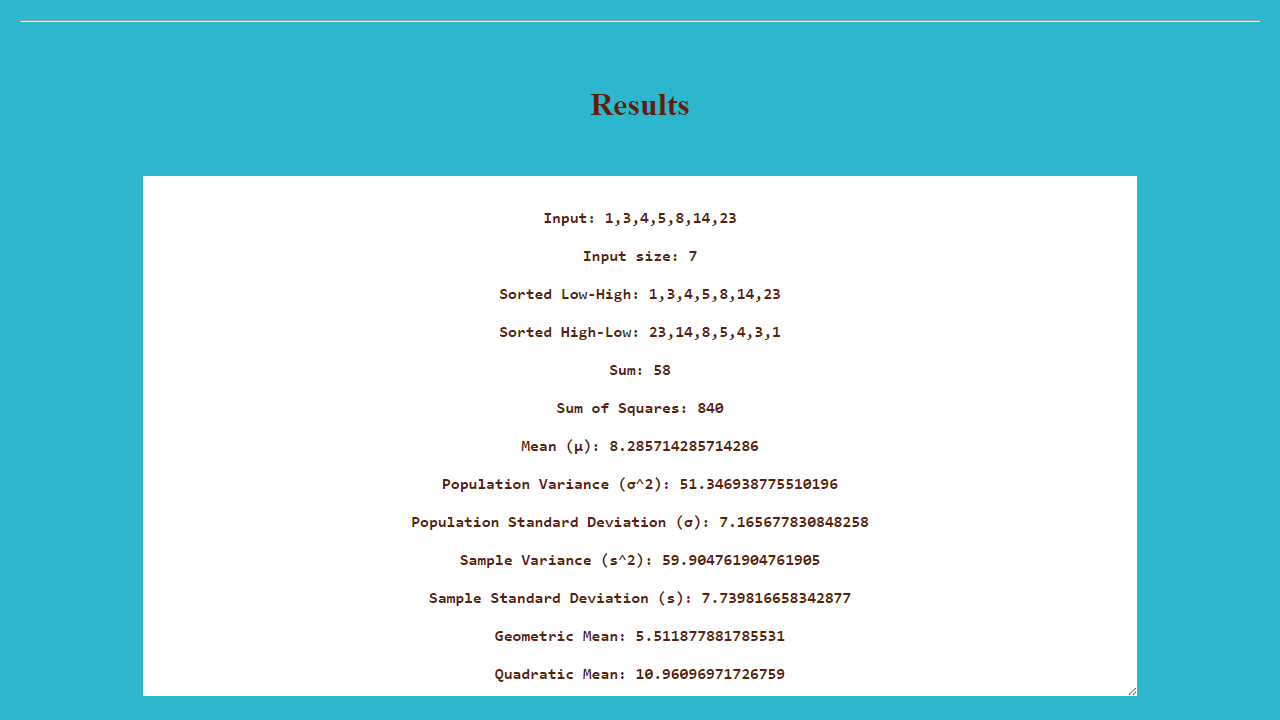
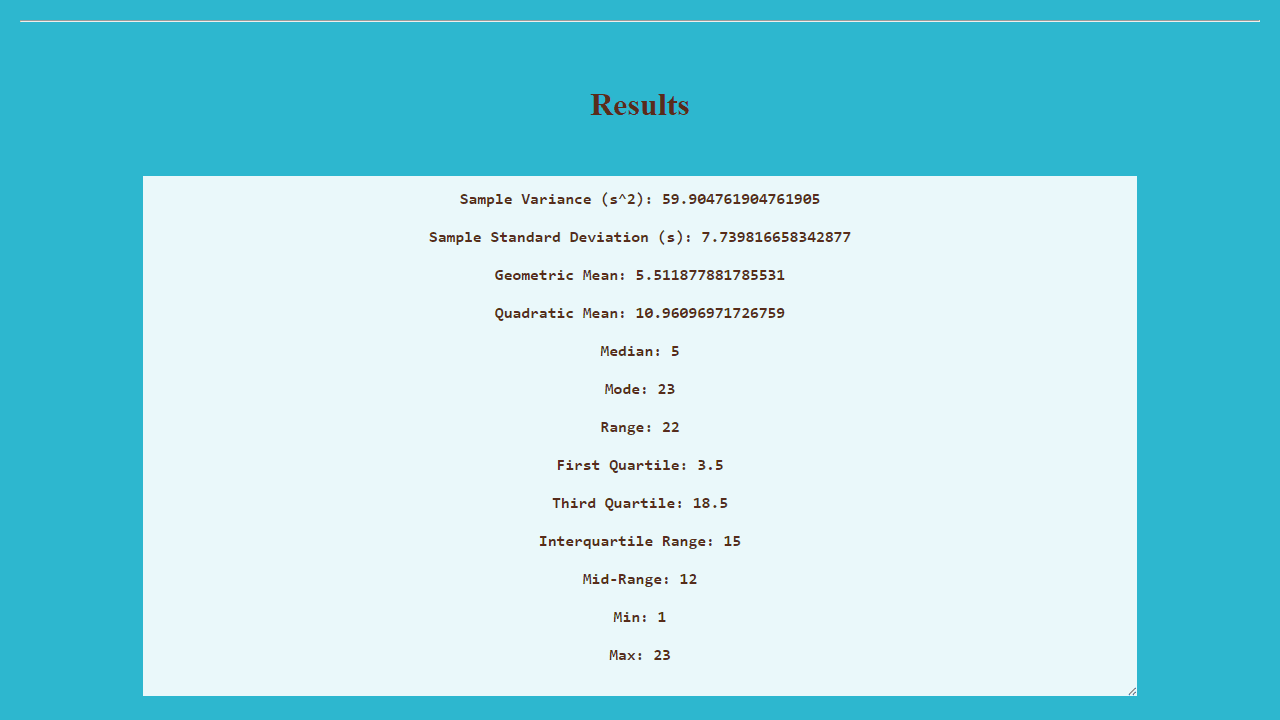
Paste in a set of numbers and this calculator returns the full statistical breakdown in seconds — mean, median, mode, variance, standard deviation, and more. It handles the arithmetic so you can focus on what the numbers actually mean. Useful whether you're checking a student's grade distribution, analyzing survey responses, or just verifying homework.
It lives in the tools category alongside other no-fuss utilities built for getting a quick answer without opening a spreadsheet. There's no setup, no account, and no clutter — just input your data set and read the results.
Works best with a keyboard on desktop; separate your values with commas or spaces and the calculator accepts both formats without complaint.
Look inside
How to use
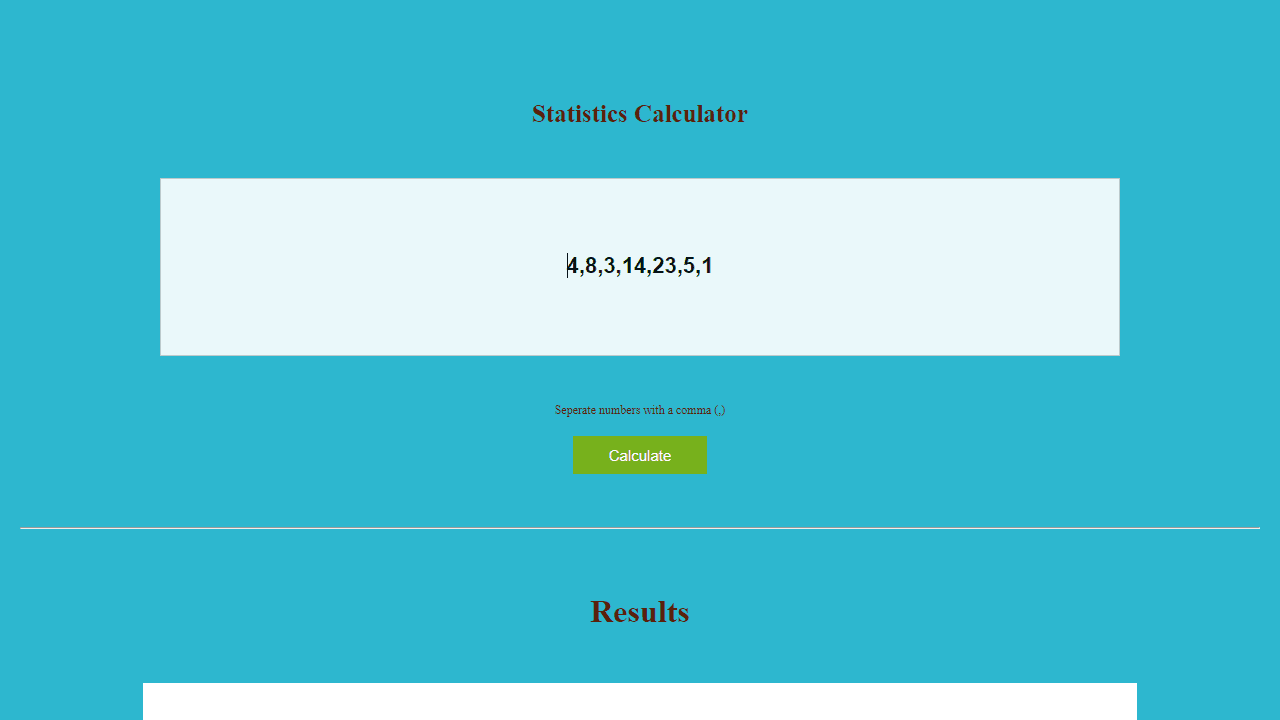
This tool calculates statistical measures for a dataset you provide. • Enter your numbers in the input field, separated by your chosen delimiter (default is comma) • Use the delimiter field to specify what separates your numbers (comma, space, semicolon, etc.) • Click the "Calculate" button to process your data • Results appear in the output area below, showing various statistics like mean, median, mode, standard deviation, and more • The input field comes pre-filled with sample data to demonstrate the format • You can copy results from the output area for use elsewhere • To analyze new data, simply replace the numbers in the input field and calculate again • The tool accepts decimal numbers and handles datasets of various sizes • All calculations update automatically each time you click Calculate
Reviews
More from Tools

A witchy weather app where Morgana the Witch peers into the meteorological beyond. Get current conditions, hourly forecasts, and a 7-day outlook for any city in the world — then check back tomorrow to see if the Witch's prophecy held, or if she "cast a spell" to change the weather.
by mercury


