
Table Magic
Convert tables between CSV, Markdown, SQL, and HTML formats instantly. Paste data in any format, edit it in a spreadsheet-like form, and export to the format you need.
About Table Magic
Paste a messy CSV into Table Magic and it comes out the other side as clean Markdown, SQL, or HTML — instantly. The workflow is simple: drop your data into the input field in whatever format you have it, tweak rows and columns in the spreadsheet-style editor, then export exactly the format your project needs. No configuration, no sign-up.
It's genuinely useful when you're bouncing between a database export, a README, and a web page in the same afternoon. Markdown tables are notoriously tedious to write by hand; having a converter that also lets you edit the data before exporting saves a real chunk of time. If you work with numbers alongside your tables, Statistics Calculator pairs well for quick descriptive analysis on the same dataset.
Find it alongside other no-nonsense tools in the catalog. It works entirely in the browser, so nothing leaves your machine — handy when the data is sensitive.
Look inside
How to use
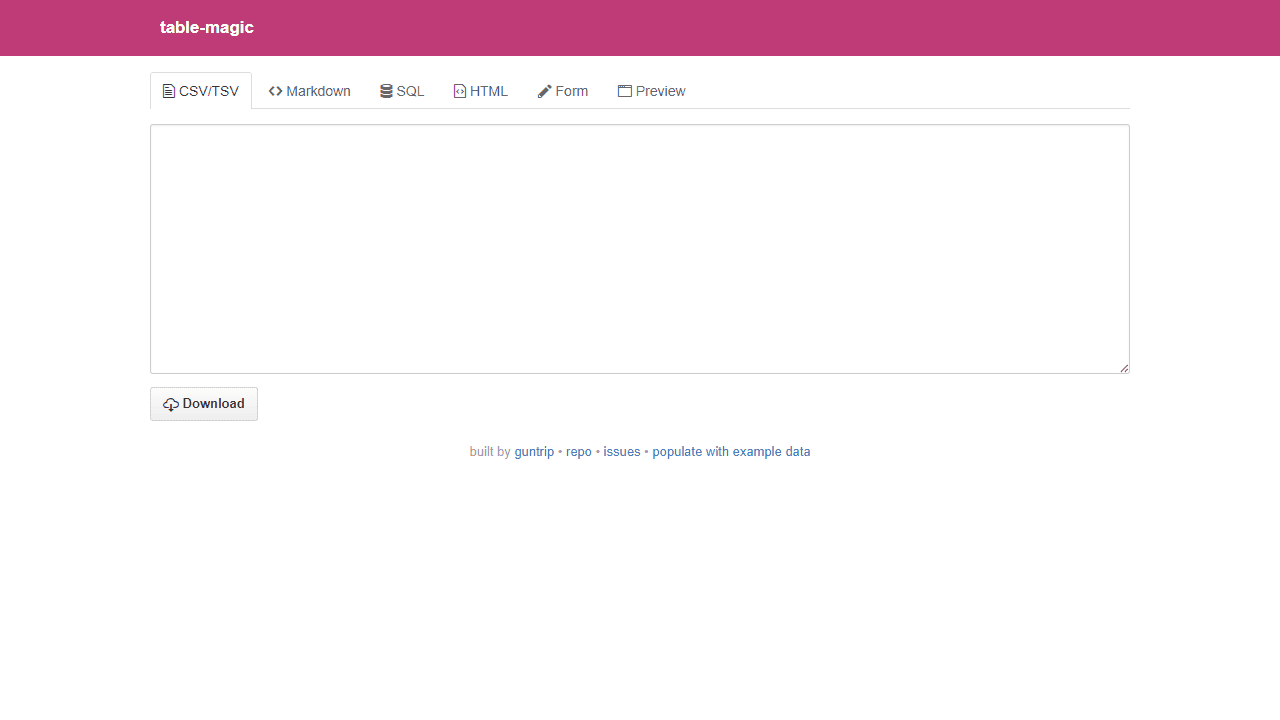
This tool converts tables between different formats like CSV, Markdown, HTML, and SQL. Getting started: • Click "New table" button to create a table from scratch • Or paste existing table data into any format tab • Use "populate with example data" link at bottom for sample data Basic controls: • Click tabs at top to switch between formats (CSV/TSV, Markdown, SQL, HTML, Form, Preview) • Changes in one format automatically convert to others • Use "Download" button in CSV tab to save your table Form view features: • Click "Add row" or "Add column" buttons to expand your table • Click "Enable deletion" to remove rows/columns • Edit cells directly by clicking on them Format options: • Toggle "Table formatter" in Markdown tab for cleaner spacing • Preview tab shows how table appears on GitHub • All formats preserve column alignment and cell content The tool automatically handles quote escaping and markdown rendering within cells.
Reviews
No written reviews yet. Be the first!
More from Tools

A witchy weather app where Morgana the Witch peers into the meteorological beyond. Get current conditions, hourly forecasts, and a 7-day outlook for any city in the world — then check back tomorrow to see if the Witch's prophecy held, or if she "cast a spell" to change the weather.
by mercury


