Circuit Simulator
Drag-and-drop digital logic circuit simulator. Build circuits with AND, OR, NOT, flip-flops, LEDs, and more.
About Circuit Simulator
Drag a battery onto the canvas, wire up a couple of AND gates, connect an LED, and watch it light up the moment your logic is correct. Circuit Simulator lets you build working digital circuits entirely in the browser — no soldering iron, no loose components rolling off the desk. You get the core building blocks: AND, OR, NOT, NAND, NOR, XOR gates, flip-flops, clocks, and output LEDs, all connected by clicking and dragging wires between pins.
It's a practical sandbox for anyone studying electronics or computer architecture. Sketch out a half-adder to see how binary addition actually works, or chain flip-flops into a simple register and trace the state changes in real time. The feedback is immediate — break a connection and the output goes dark instantly, which makes debugging feel intuitive rather than frustrating. If you enjoy hands-on tools like this, the broader education catalog has more interactive science and math apps worth exploring.
Everything runs with mouse or trackpad; a larger screen gives you noticeably more canvas room when circuits start to grow.
Look inside
How to use
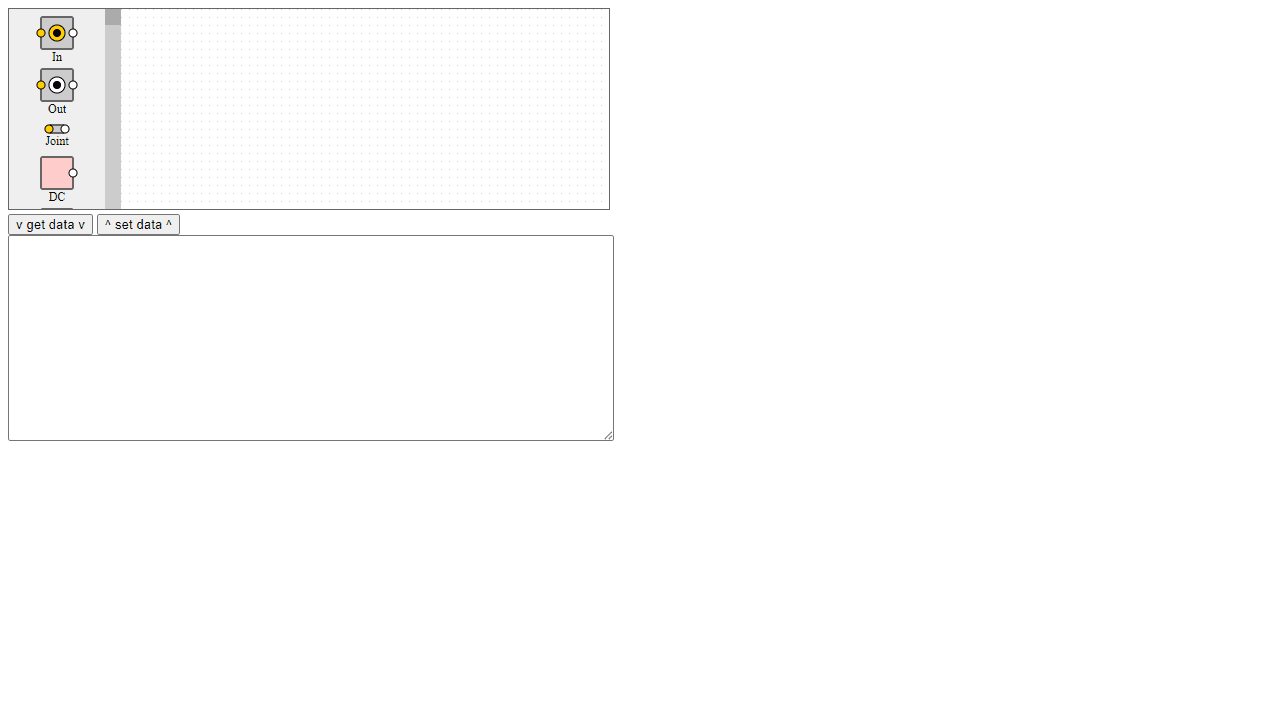
This is an educational tool for building and testing digital circuits. • Drag components from the toolbox onto the workspace to build circuits • Click and drag to connect components with wires - connections snap to input/output pins • Right-click components to delete them or change their properties • Click switches and inputs to toggle them on/off and test your circuit behavior • Watch LEDs and outputs light up to see how signals flow through your circuit • Use "get data" button to export your circuit design as text code • Copy circuit data and use "set data" button to load saved designs • Paste example circuits from tutorials into the text area and click "set data" to load them • Goal: Learn digital logic by experimenting with gates, switches, and components • Try building basic circuits like AND/OR gates, flip-flops, or counters • Test different input combinations to understand how each component responds The simulation runs in real-time, so changes are immediately visible.
Reviews
No written reviews yet. Be the first!
More from Education

A geography speed-quiz. Type country names against the clock — every one you nail lights up the map. Eight maps (world + every continent), three paces, leaderboards, percentile standings, and a per-answer rarity stat that shows how many other players named each country.
by geodude