
ZIP Recovery Tool
Recover files from corrupt ZIP archives right in your browser. Scans for file headers instead of relying on the damaged central directory to extract what's still intact.
About ZIP Recovery Tool
Drop a corrupt ZIP archive onto the page and the tool scans it byte by byte, hunting for raw file headers rather than trusting the damaged central directory that normally tells an extractor what's inside. Whatever files are still intact get pulled out and handed back to you. It runs entirely in your browser — nothing is uploaded to a server.
This matters most when a download cut out partway through, a drive threw errors, or an old archive just stopped opening one day. Standard unzip tools give up the moment the directory is gone; this one keeps digging. It's part of a growing set of browser-based tools built for practical, no-install problem-solving.
Works best on desktop Chrome or Edge where the File System Access API gives it room to write recovered files directly. Keep the original archive on hand — the tool reads it non-destructively, so you can run it as many times as needed.
Look inside
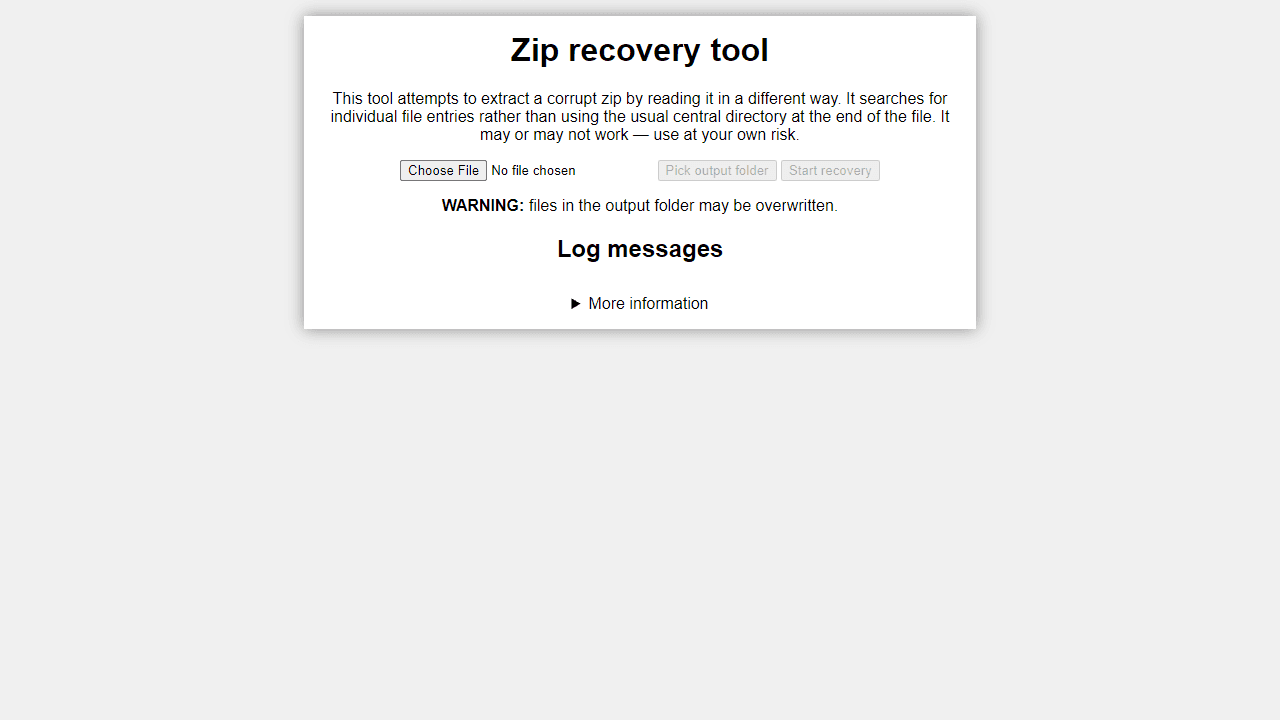
How to use
• Click the file picker to select your corrupt ZIP file • Click "Pick output folder" to choose where recovered files will be saved • Click "Start recovery" to begin the extraction process • Wait for the "finished" message in the log - large files may take time to process This tool recovers files from corrupt ZIP archives by searching for individual file headers instead of using the standard central directory method. It can extract files even when the ZIP's central directory is damaged or missing. The tool scans for file signatures and attempts to reconstruct readable files. Not all files may be recoverable, and some extracted files might still be corrupted or incomplete. Warning: Files in your chosen output folder may be overwritten during recovery. Currently works best in Chromium-based browsers like Chrome or Edge. All processing happens locally - your files are never uploaded anywhere.
Reviews
No written reviews yet. Be the first!
More from Tools

A witchy weather app where Morgana the Witch peers into the meteorological beyond. Get current conditions, hourly forecasts, and a 7-day outlook for any city in the world — then check back tomorrow to see if the Witch's prophecy held, or if she "cast a spell" to change the weather.
by mercury


