
XLSX to Markdown
Convert Excel spreadsheets to Markdown right in your browser. Drop an .xlsx file and get clean tables, text, and images as Markdown — all processed locally, nothing uploaded.
About XLSX to Markdown
Drop an .xlsx file onto the page and watch it convert to clean Markdown — tables, text, and embedded images all handled in one pass. There's no upload step, no account, and no server involved: every byte stays in your browser from start to finish. That matters when the spreadsheet contains anything sensitive.
This sits comfortably among productivity tools aimed at developers and technical writers who bounce between Excel and documentation workflows. If you regularly paste table data into README files, wikis, or static-site generators, shaving that reformatting step out of the process adds up fast. For a complementary workflow, Table Magic can take your freshly converted Markdown table and push it further into CSV, SQL, or HTML.
Works entirely offline once loaded, so it's just as useful on a plane as at your desk — no internet connection required after the initial page load.
Look inside
How to use
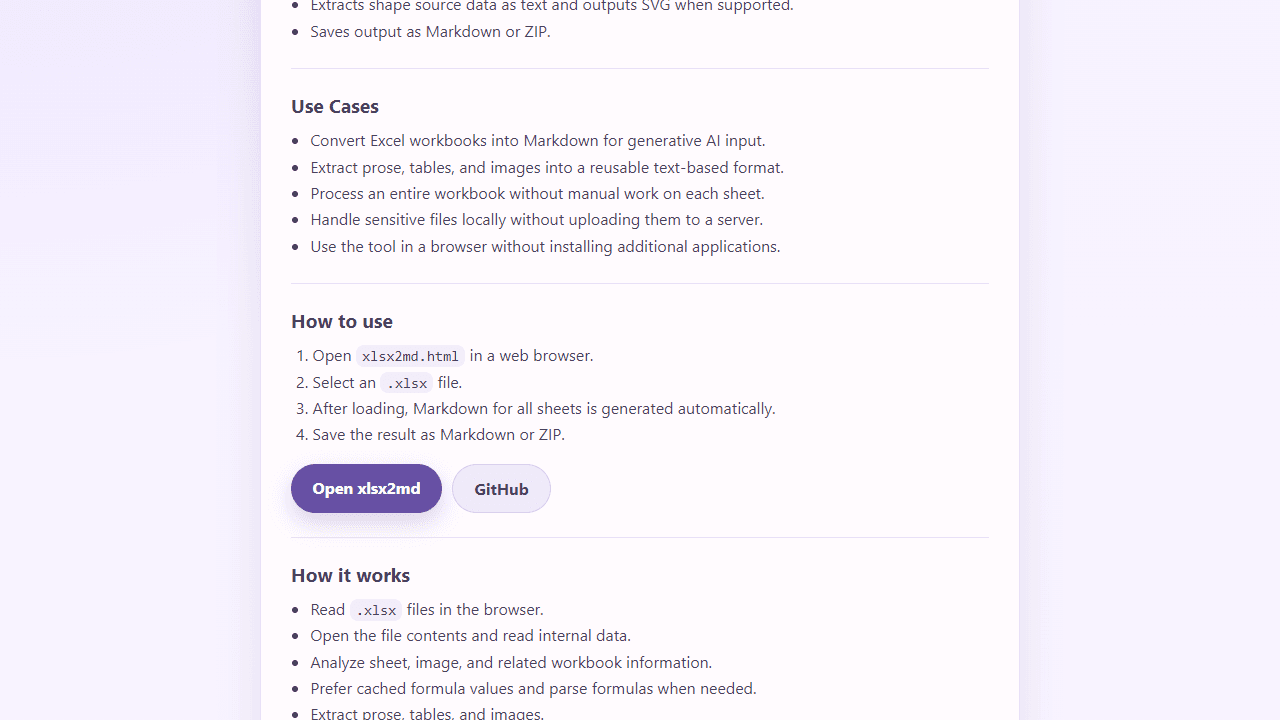
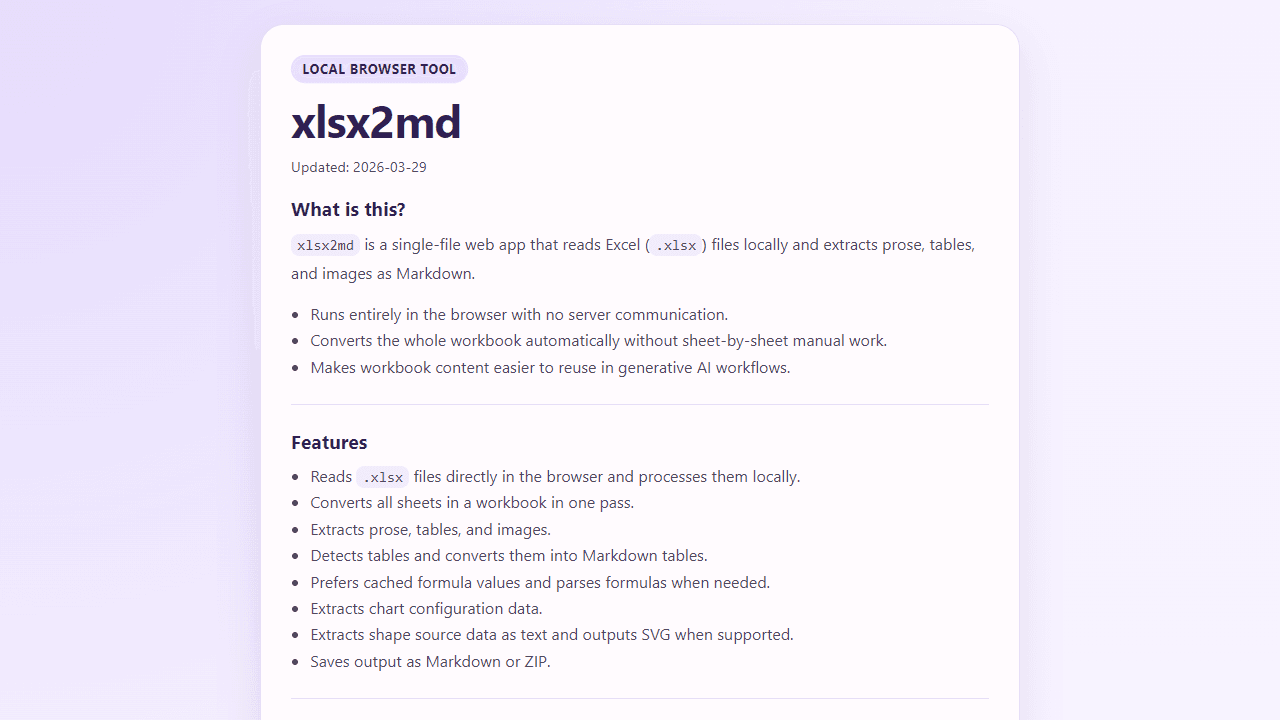
This tool converts Excel (.xlsx) files to Markdown format, extracting text, tables, and images automatically. • Click the file input button to select your .xlsx file • The app processes files entirely in your browser - no data is uploaded to servers • After loading, Markdown content is generated automatically from all sheets • Use the preview tab to see how the converted content will look • Click "Save as Markdown" to download a .md file, or "Save as ZIP" to get Markdown plus extracted images • The tool detects table regions using borders and cell groupings • Formula cells show their calculated values when possible • Charts are converted to configuration data rather than images • Rich text formatting like bold and italic is preserved in GitHub-flavored Markdown • All processing happens locally for privacy and security
Reviews
No written reviews yet. Be the first!
More from Tools

A witchy weather app where Morgana the Witch peers into the meteorological beyond. Get current conditions, hourly forecasts, and a 7-day outlook for any city in the world — then check back tomorrow to see if the Witch's prophecy held, or if she "cast a spell" to change the weather.
by mercury


