
Video Trimmer
A zero-dependency browser video editor. Load a video, trim the start and end, add text layers, and export — all client-side.
About Video Trimmer
Drop a video file onto the page, drag the handles to cut your clip down to exactly what you need, then layer on text before exporting — all without uploading a single byte to a server. Everything runs locally in your browser, so large files process just as comfortably as small ones, and nothing leaves your machine.
It's a straightforward entry in the browser tools category: no account, no install, no waiting on a remote render queue. The underlying engine is the open-source mebm library, which leans on native browser codecs to handle the heavy lifting.
Works best on desktop Chrome or Edge where codec support is widest — if you're trimming footage straight from a screen recording or camera roll, keep the file under a few gigabytes for the smoothest experience.
Look inside
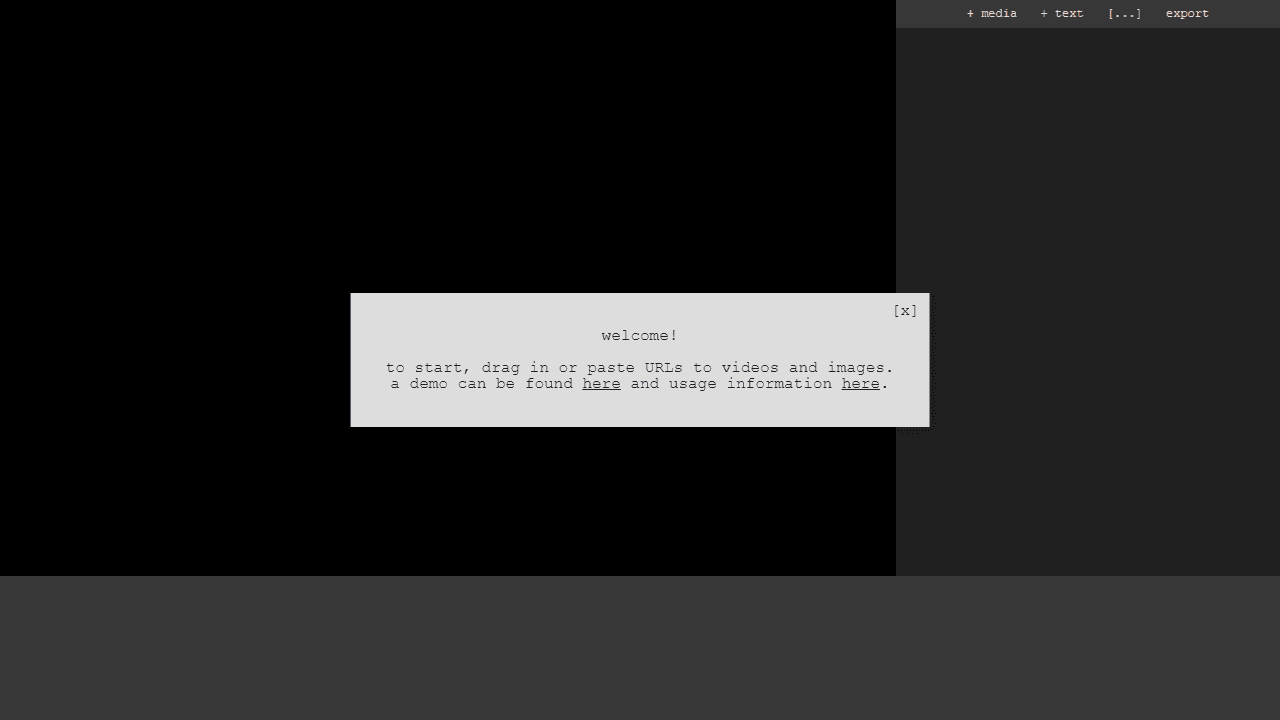
How to use
This is a browser-based video editor for creating videos with animated text and image overlays. **Getting Started:** • Click "+ media" to import video, image, or audio files, or drag files directly into the browser • Click "+ text" to add text overlays • Use the timeline at the bottom to navigate through your video **Basic Controls:** • Spacebar: Play/pause video • Click layers in the sidebar or timeline to select them • Drag selected elements to move them around • Shift + scroll (or pinch on mobile): Resize text and images • Arrow keys: Jump between keyframes (blue markers on timeline) • Backspace: Delete keyframes **Animation:** • Blue markers on the timeline are keyframes that define animation points • The editor automatically creates smooth transitions between keyframes • Move elements to different positions at different times to create animations **Exporting:** • Click "export" when finished • Let the video play completely through • Click "download" to save your video as a .webm file
Reviews
No written reviews yet. Be the first!
More from Tools

A witchy weather app where Morgana the Witch peers into the meteorological beyond. Get current conditions, hourly forecasts, and a 7-day outlook for any city in the world — then check back tomorrow to see if the Witch's prophecy held, or if she "cast a spell" to change the weather.
by mercury


