
Timezone Converter
Convert dates and times between time zones around the world.
About Timezone Converter
Pick a date and time, choose your origin timezone, then watch the equivalent moment appear instantly across every zone you select. Timezone Converter handles the fiddly stuff — daylight saving offsets, half-hour zones like India and Iran, and the date-line quirks that trip up manual math. Paste a meeting invite, type in a Unix timestamp, or just work from right now.
It's the kind of everyday utility tool that earns a browser bookmark fast, especially if you coordinate with remote teams or schedule calls across continents. If your project also involves checking regional public holidays before locking in a date, Global Holiday Calendar 2026 pairs naturally alongside it.
The interface is pure keyboard-and-dropdown — no account, no setup, no ads. Works best on desktop where you can see multiple timezone columns side by side without scrolling.
Look inside
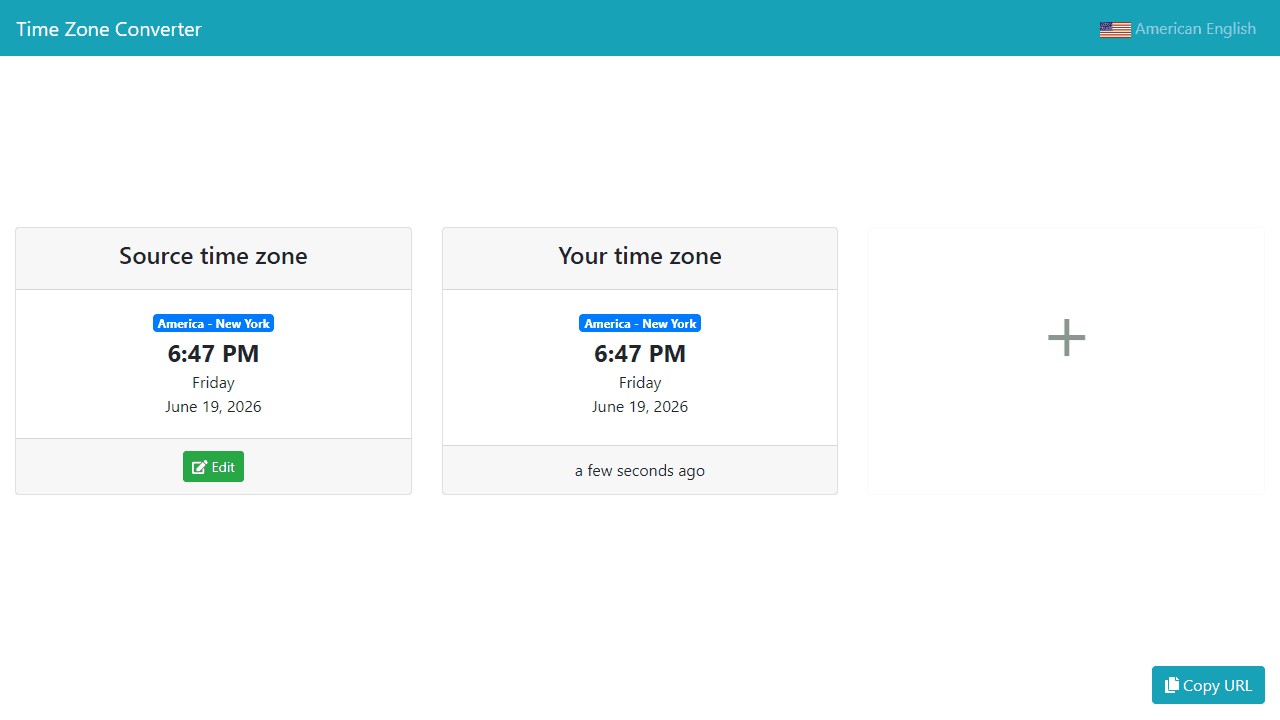
How to use
This tool helps you convert and share times across different time zones around the world. 1. Enter a specific date and time in the input fields at the top 2. Select your current time zone from the dropdown menu 3. The app will automatically display what that same moment looks like in multiple time zones worldwide 4. Click on any time zone row to add or remove it from your comparison list 5. Use the search box to find specific cities or countries 6. The results update instantly as you change the time or date 7. Copy the generated link to share the exact time conversion with others 8. All times are synchronized - changing the source time updates all displayed zones accordingly The tool shows both 12-hour and 24-hour formats along with country flags for easy identification. Particularly useful for scheduling meetings, coordinating with remote teams, or planning international calls.
Reviews
No written reviews yet. Be the first!
More from Tools

A witchy weather app where Morgana the Witch peers into the meteorological beyond. Get current conditions, hourly forecasts, and a 7-day outlook for any city in the world — then check back tomorrow to see if the Witch's prophecy held, or if she "cast a spell" to change the weather.
by mercury


