
QR Code Generator
Generate custom QR codes with logos, colors, and UTM tracking. Create branded QR codes for links, WiFi, contacts, and more.
About QR Code Generator
Paste a URL, tap a color swatch, drop in your logo, and within seconds you have a branded QR code ready to download. This generator handles far more than plain links — point it at a WiFi network, a vCard contact, a phone number, or a raw text string, and it builds the correct QR format automatically. You can also bake UTM parameters straight into the destination URL before encoding, so campaign tracking is already wired in before the code ever hits a flyer or product label.
It sits comfortably alongside other everyday productivity tools you might keep in a browser tab — quick to reach, no sign-up required. If you care about visual consistency, the color and logo controls give you enough range to match most brand guidelines without touching a design app. Works best on desktop, where the color pickers are easier to handle and downloaded PNGs land right where you expect them.
Look inside
How to use
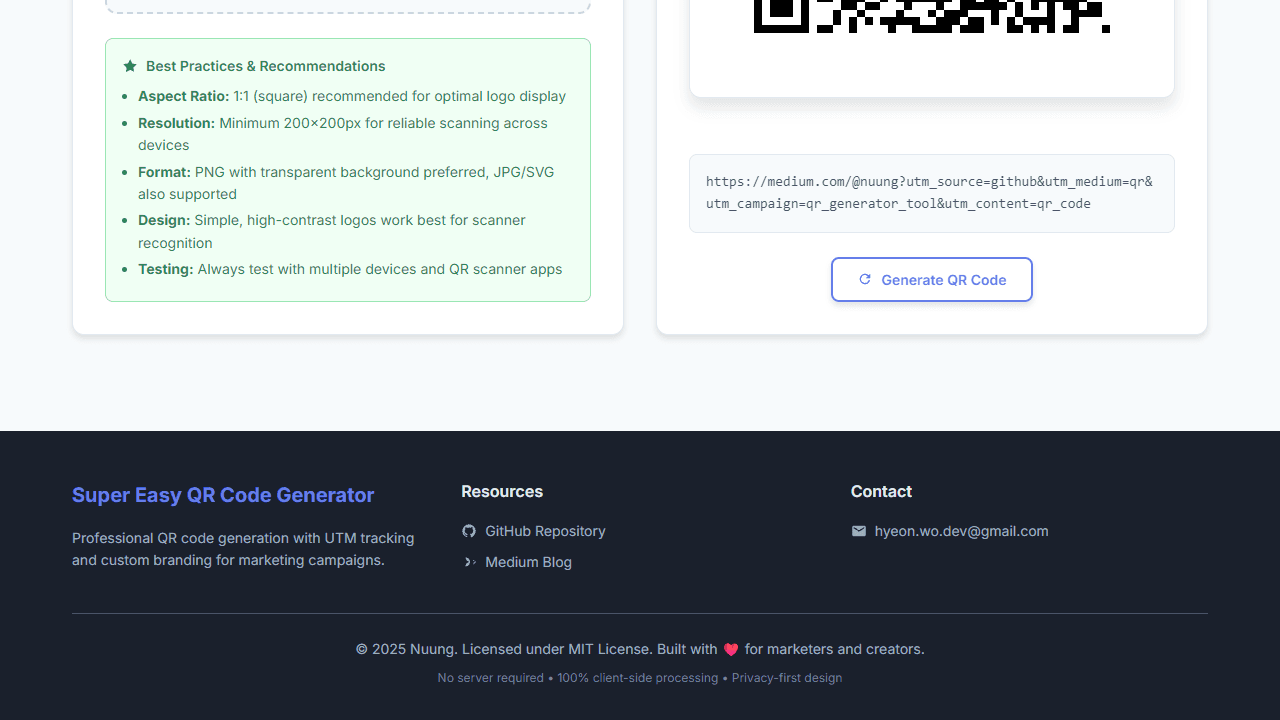
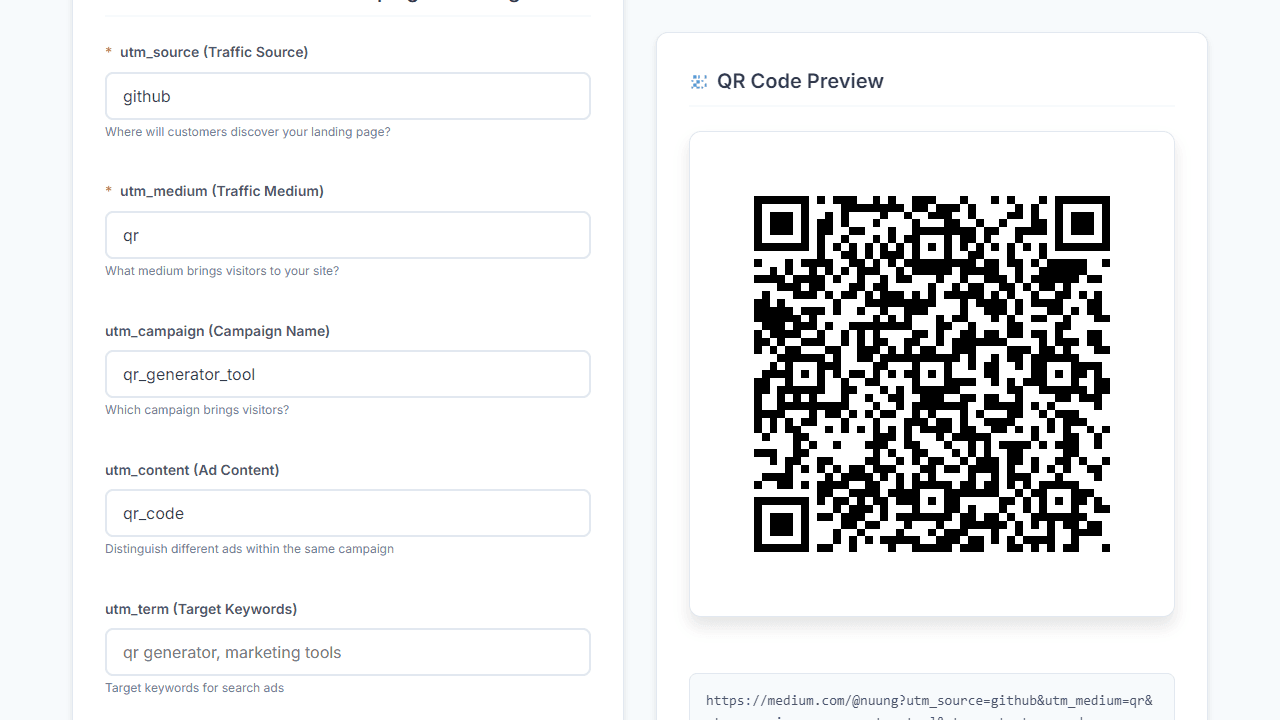
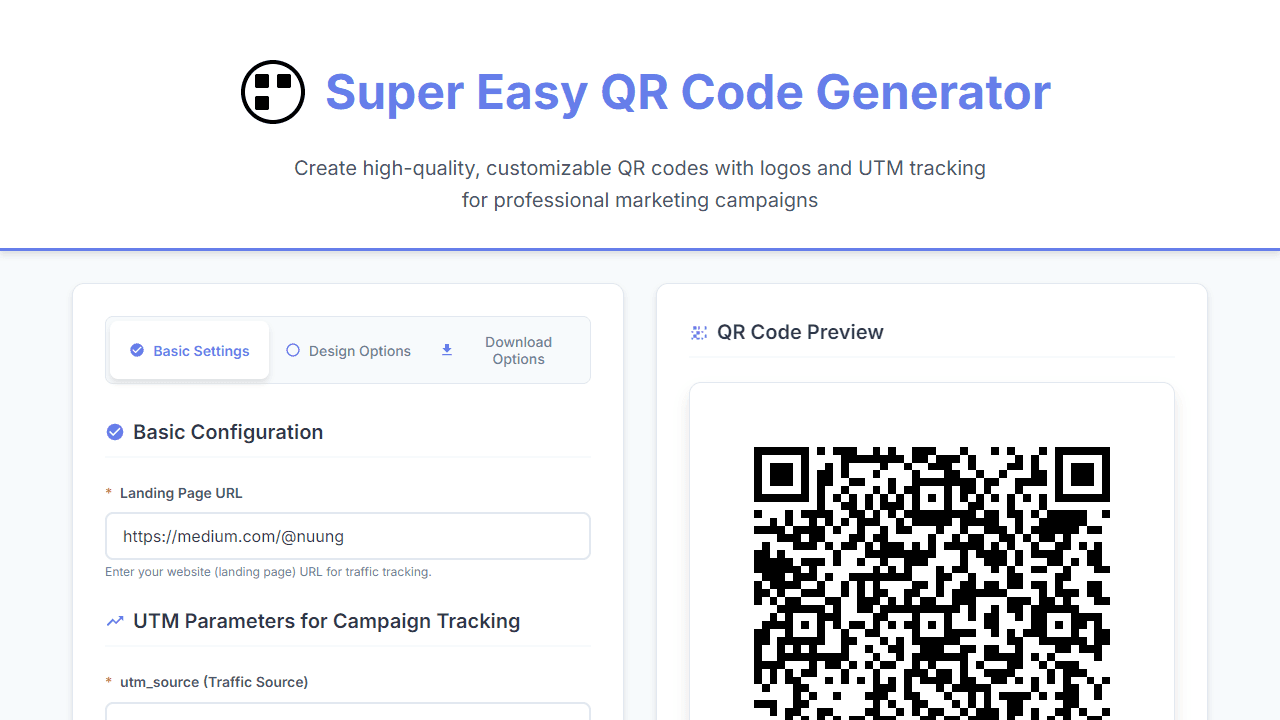
This tool creates professional QR codes with custom logos and tracking links for marketing campaigns. • Enter your website URL in the "Landing Page URL" field • Add UTM tracking parameters (source, medium, campaign) to monitor where visitors come from • Use the quick preset buttons (Facebook, Email, Print, YouTube) to auto-fill common campaign settings • Switch to "Design Options" tab to customize appearance: - Upload your logo using the file picker - Choose foreground and background colors with the color pickers - Adjust logo size with the slider • The QR code updates automatically as you make changes • Preview your final tracking URL at the bottom of the form • Go to "Download Options" tab and click "Download PNG" or "Download SVG" to save • QR codes are generated at 1200x1200px for print quality • All processing happens in your browser - no data is sent to servers • Test your QR code with any mobile camera app before using in campaigns
Reviews
No written reviews yet. Be the first!
More from Tools

A witchy weather app where Morgana the Witch peers into the meteorological beyond. Get current conditions, hourly forecasts, and a 7-day outlook for any city in the world — then check back tomorrow to see if the Witch's prophecy held, or if she "cast a spell" to change the weather.
by mercury


