
QRazyBox
A powerful QR code toolkit — analyze, decode, and recover damaged QR codes step by step. See the internal structure, edit modules, and extract data from partial codes.
About QRazyBox
Paste a QR code image — or even a mangled, partially obscured one — and QRazyBox breaks it apart so you can see exactly what's going on inside. You can inspect individual modules, toggle bits manually, and watch the decoder work through error correction in real time. It's genuinely useful when a QR code refuses to scan and you need to know why.
The recovery workflow is where it earns its keep. Feed it a damaged code, apply Reed-Solomon correction, and the tool attempts to reconstruct the missing data step by step rather than just throwing up an error. Developers, security researchers, and curious tinkerers will all find something here — but so will anyone who's ever stared at a broken QR code and needed to extract the URL buried inside it.
QRazyBox lives in the tools category alongside other single-purpose utilities. It runs entirely in the browser, so nothing is uploaded anywhere — worth knowing if you're working with codes that contain sensitive data.
Look inside
How to use
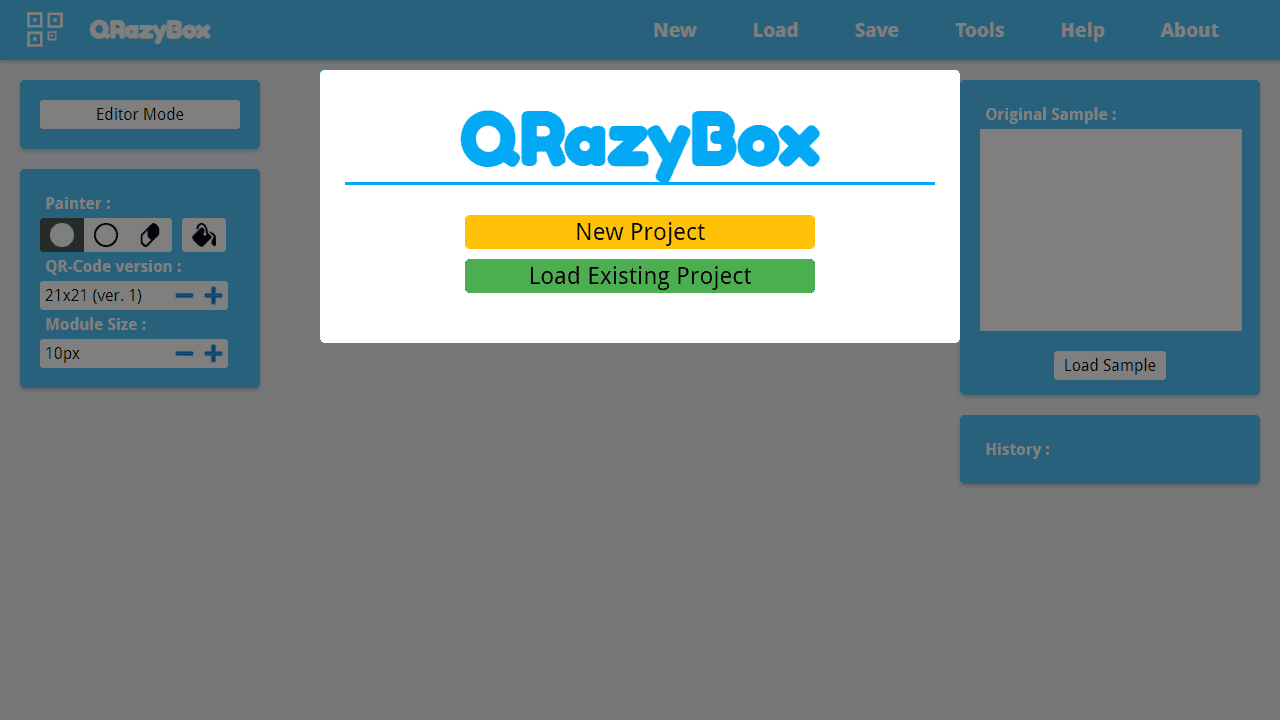
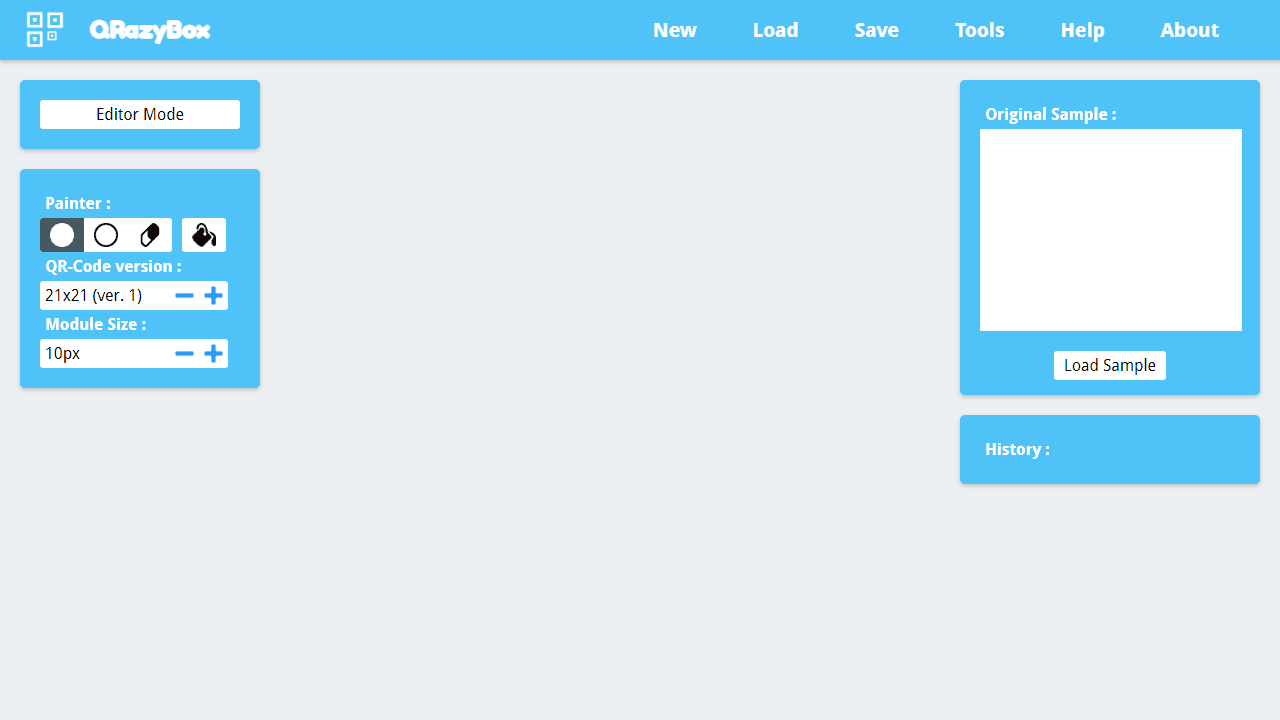
This tool helps you analyze and repair damaged QR codes that won't scan normally. **Getting Started:** • Click "New Project" then choose to create a blank QR code, import from image, or import from text • Load a sample image of your damaged QR code in the right panel for reference **Drawing Tools (Left Panel):** • Click black/white pixel tools to paint modules • Use eraser tool to remove pixels • Fill tool fills areas quickly • Adjust QR code version (size) using +/- buttons • Change module display size for easier editing **Mouse Controls:** • Left-click to paint pixels on the QR grid • Use selected tool (black, white, eraser, fill) to modify the code **Decoding:** • Click "Decode" button to attempt reading your reconstructed QR code • Tool will try different format patterns automatically if needed **Advanced Tools Menu:** • Extract QR Information - analyzes code structure • Reed-Solomon Decoder - error correction for damaged data • Data Masking - removes XOR patterns • Brute-force Format Info - tries all format possibilities **Save/Load:** • Save your work to continue later • Export final result when complete The goal is to manually reconstruct missing or damaged parts until the QR code becomes readable.
Reviews
No written reviews yet. Be the first!
More from Tools

A witchy weather app where Morgana the Witch peers into the meteorological beyond. Get current conditions, hourly forecasts, and a 7-day outlook for any city in the world — then check back tomorrow to see if the Witch's prophecy held, or if she "cast a spell" to change the weather.
by mercury


