
Countdown Timer
Set a countdown with presets or custom time. Audio alert when time is up.
About Countdown Timer
Set a timer in seconds: pick one of the built-in presets or dial in your own duration, then let it run. When time's up, an audio alert fires so you don't have to watch the screen. Simple, but that's exactly the point.
It fits anywhere a clock isn't quite enough — resting between sets at the gym, keeping a presentation on track, timing a board game turn, or keeping pasta from turning to mush. Browse more tools like this one for quick, single-purpose utilities that stay out of your way. If you want a timed challenge with a bit more structure, Typing Speed Test puts a countdown to work in a different way.
Works best on any device with sound on; the alert is audio-only, so muting your device means you'll miss the cue.
Look inside
How to use
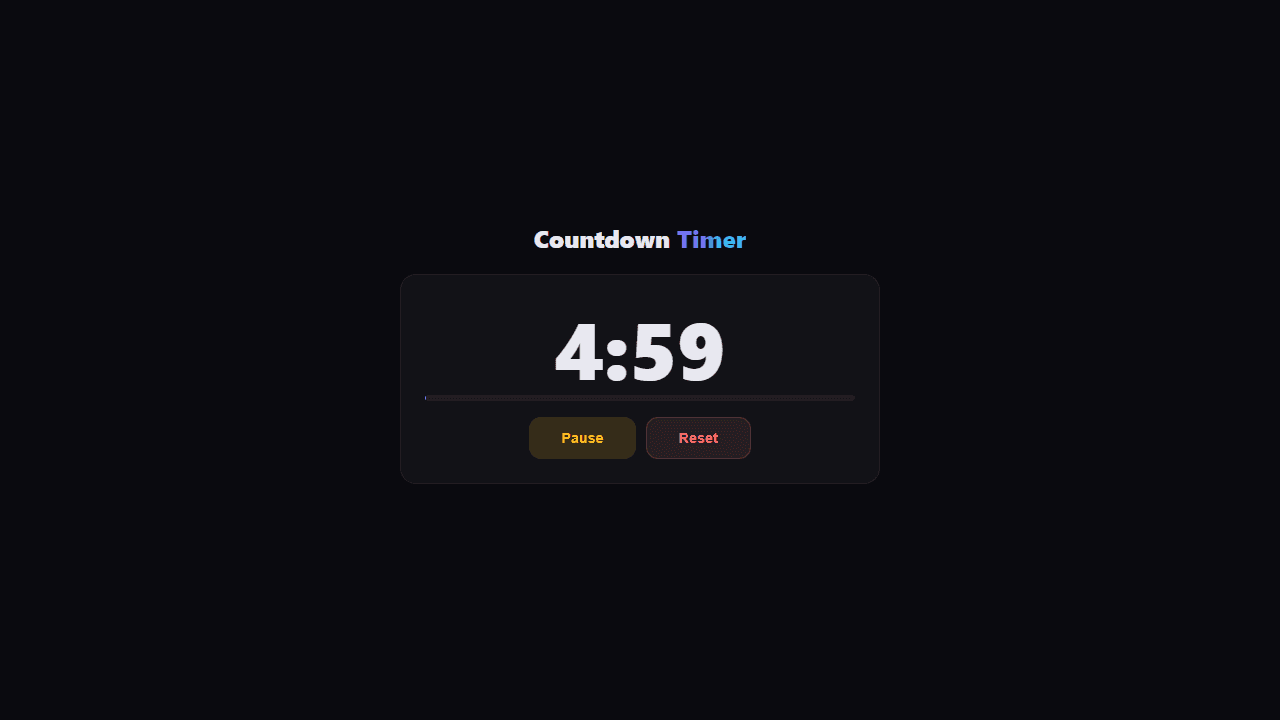
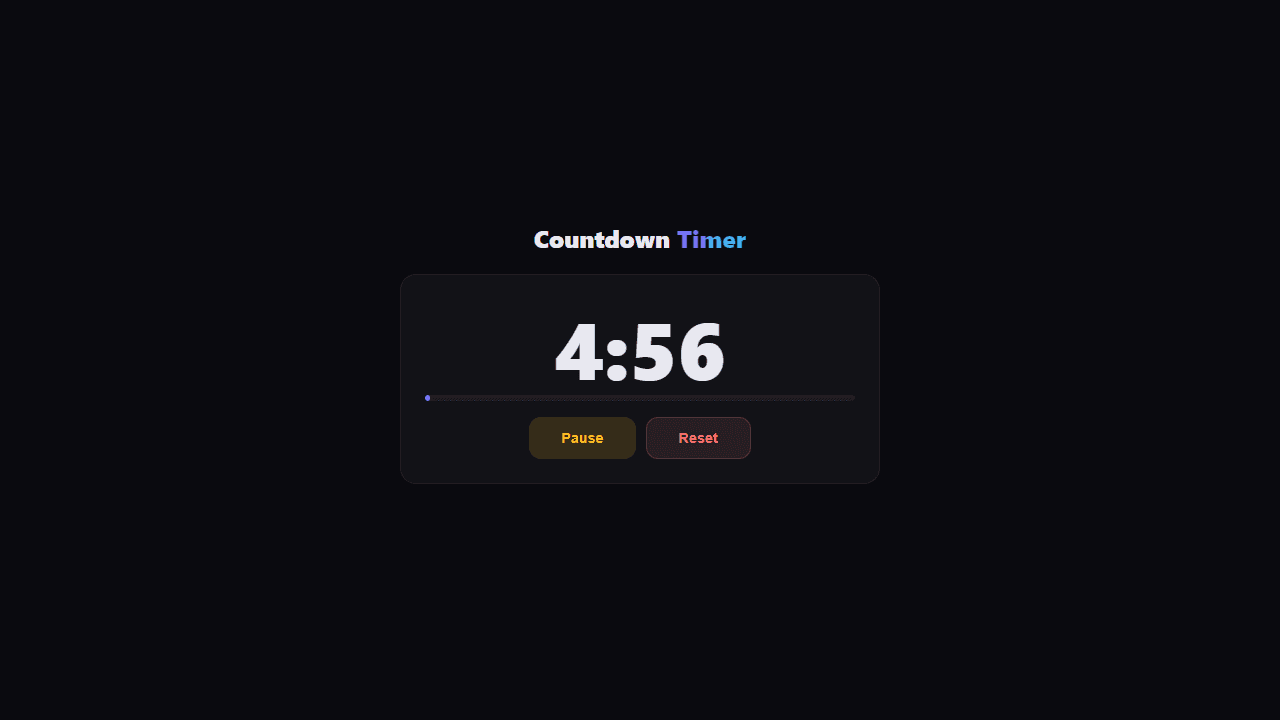
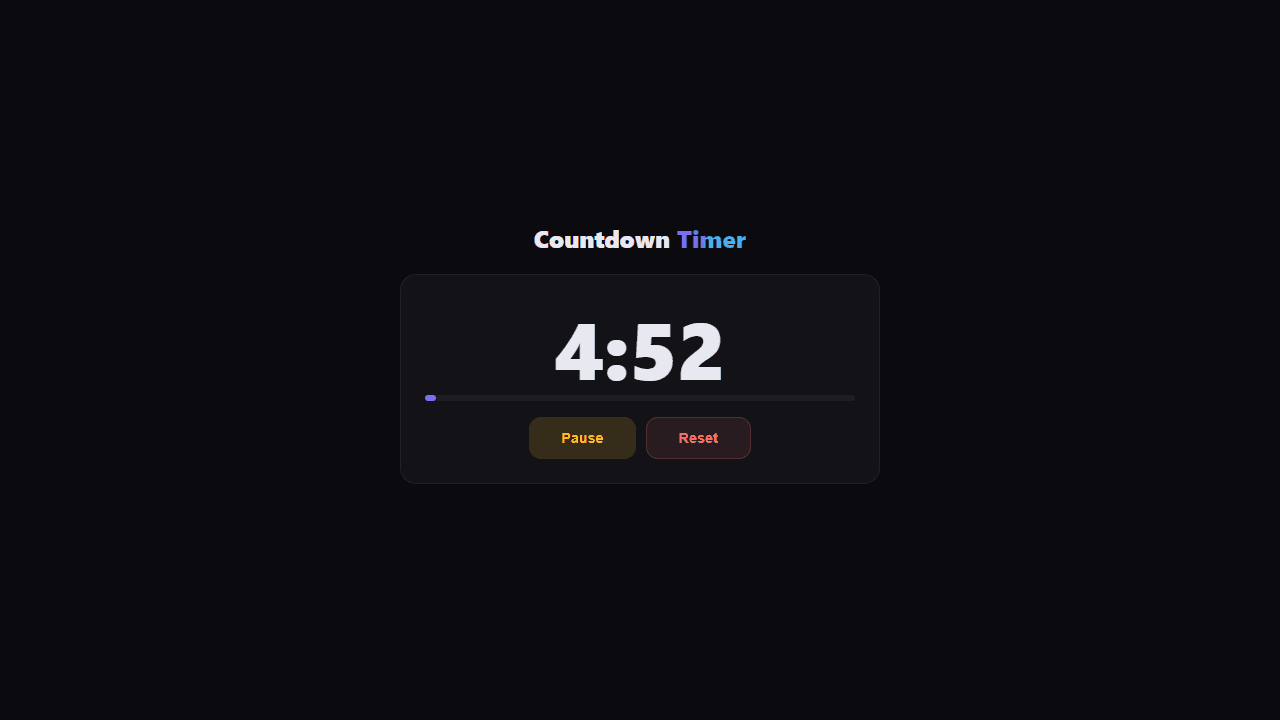
This is a countdown timer tool for timing activities, workouts, cooking, and more. • Set your timer by entering hours, minutes, and seconds in the input fields • Click preset buttons (1 min, 5 min, 25 min, etc.) for quick common durations • Add an optional label to describe what you're timing • Click "Start" to begin the countdown Once running: • The display shows remaining time in MM:SS or H:MM:SS format • Purple progress bar fills as time passes • Click "Pause" to pause/resume the timer • Click "Reset" to stop and return to setup Special features: • Timer display turns red and pulses when 10 seconds or less remain • Audio alert plays when timer reaches zero • Timer continues running even if you switch browser tabs • Display automatically formats based on duration (shows hours only when needed) Perfect for Pomodoro sessions, cooking timers, workout intervals, or any timed activity.
Reviews
No written reviews yet. Be the first!
More from Tools

A witchy weather app where Morgana the Witch peers into the meteorological beyond. Get current conditions, hourly forecasts, and a 7-day outlook for any city in the world — then check back tomorrow to see if the Witch's prophecy held, or if she "cast a spell" to change the weather.
by mercury


