
Digital Compass
A sleek HTML5 compass that uses your device orientation sensors. Point your phone and see which direction you are facing.
About Digital Compass
Hold your phone flat, and Digital Compass instantly reads your device's orientation sensors to show you the direction you're facing — no GPS required, no sign-in, no setup. The needle updates in real time as you rotate, giving you a clean, readable bearing whether you're trying to get your bearings on a trail or just settling a debate about which way is north.
It's a straightforward single-purpose navigation tool that does exactly one thing well. Because it relies on the hardware orientation sensors built into your device, results are sharpest on a phone held level and away from metal surfaces or strong magnetic interference — keep that in mind near car dashboards or reinforced concrete.
Works entirely in the browser with no install needed, and performs best on a mobile device where the motion sensors are most responsive.
Look inside
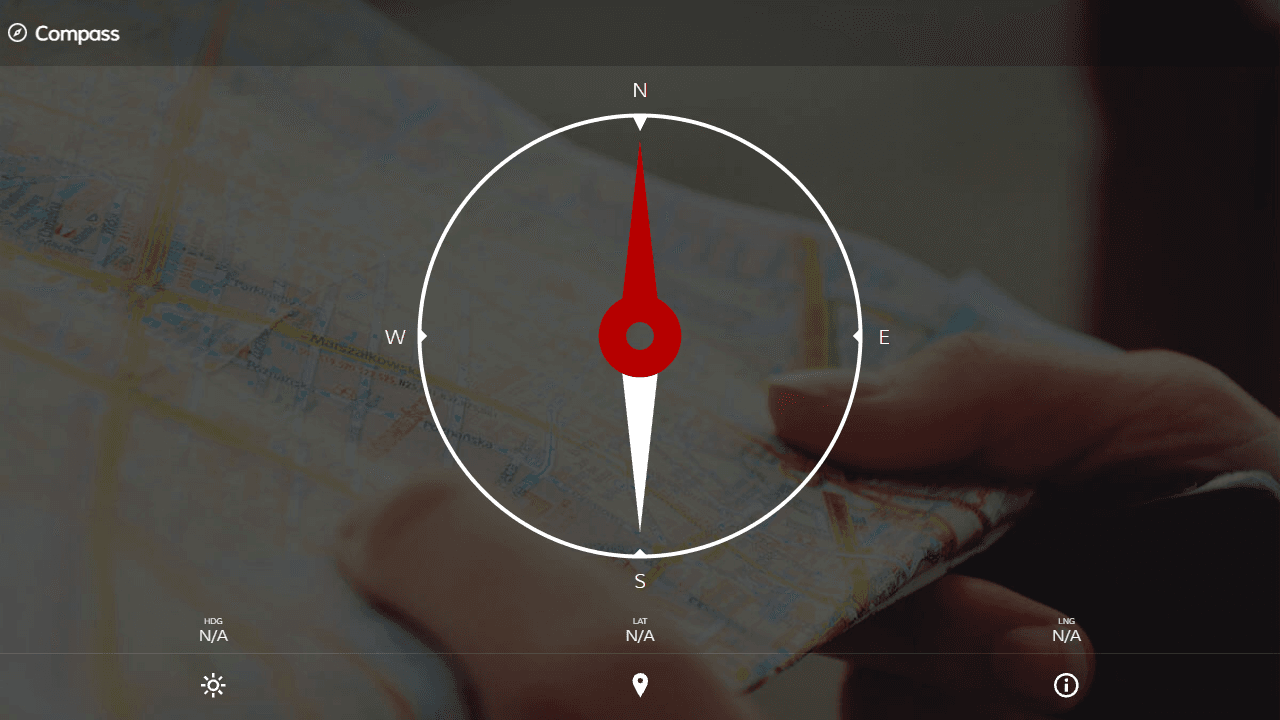
How to use
This is a digital compass that shows your current heading and location using your device's sensors. • Allow location and orientation permissions when prompted for the compass to work properly • The red arrow points north - your current heading direction is shown as "HDG" below the compass • Your latitude and longitude coordinates appear in the "Lat" and "Lng" sections • Click the sun/moon button to toggle between day and night display modes • Click the map pin button to open your location in an external map application • Click the lock button (if available) to lock the screen orientation • Click the info button for calibration tips and troubleshooting For best accuracy, calibrate your device by moving it in a figure-8 pattern several times both vertically and horizontally. Keep away from magnetic objects that may interfere with readings. The compass automatically updates as you rotate your device or change location. Works best on mobile devices with built-in magnetometers and GPS.
Reviews
No written reviews yet. Be the first!
More from Tools

A witchy weather app where Morgana the Witch peers into the meteorological beyond. Get current conditions, hourly forecasts, and a 7-day outlook for any city in the world — then check back tomorrow to see if the Witch's prophecy held, or if she "cast a spell" to change the weather.
by mercury


