
Chess Clock
Digital chess clock for timing board game turns. Supports multiple time controls with clean, minimal interface.
About Chess Clock
Tap a side, and the opponent's clock starts counting down. That's the whole interaction — and it's exactly what you want when a tense endgame is unfolding across the board. This digital chess clock handles the timing so you can focus entirely on your moves, supporting multiple time controls from bullet blitz to longer classical formats with a clean, no-clutter interface that works just as well on a phone propped between two players as on a desktop.
It belongs in the toolkit of anyone who plays tools-driven board gaming seriously. No setup account, no ads interrupting a game, no fuss. Configure your time control before you sit down, then leave it alone until someone flags.
Works best on a shared screen placed flat between two players — landscape orientation gives each side a larger tap target and reduces accidental presses mid-game.
Look inside
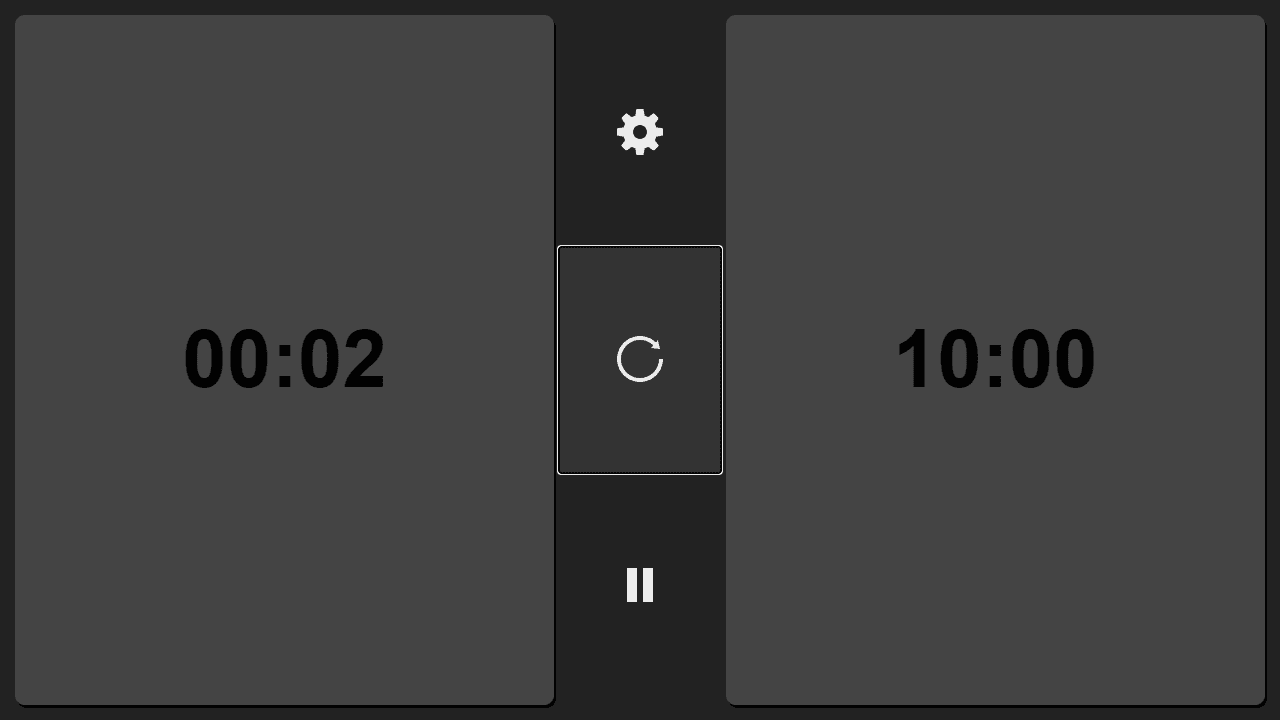
How to use
This tool helps manage time during chess games with two separate countdown timers for each player. • Click a player's timer button to start their clock and pause the opponent's clock • Use the pause/play button in the center bar to pause or resume the active timer • Click the restart button to reset both timers to their original time • Click the settings button to adjust game duration (5 or 10 minutes) and increment time • Increment adds bonus seconds to a player's clock each time they make a move • When a timer reaches zero, an alarm sounds and that player loses • The losing player's timer will display in red to indicate time expired • Both timers can be controlled via mouse clicks or keyboard navigation • Settings take effect immediately when confirmed with the checkmark button The tool works on both desktop and mobile devices, making it easy to time chess matches anywhere.
Reviews
No written reviews yet. Be the first!
More from Tools

A witchy weather app where Morgana the Witch peers into the meteorological beyond. Get current conditions, hourly forecasts, and a 7-day outlook for any city in the world — then check back tomorrow to see if the Witch's prophecy held, or if she "cast a spell" to change the weather.
by mercury


