
Campus Map
An offline-capable campus navigator with walking directions and place descriptions. Browse the map, search for buildings, and get turn-by-turn routing — no internet required.
About Campus Map
Point your phone at an unfamiliar building and wonder where your next class actually is — that's exactly the gap Campus Map fills. Tap a destination, and the app traces a walking route from where you're standing, narrating each turn along the way. Building descriptions give you a quick sense of what's inside before you arrive, so you're not wandering hallways guessing.
The whole thing works without a data connection, which matters most on a crowded move-in day or in basement corridors where signal disappears. It sits comfortably alongside other practical tools built for real, everyday friction — not flashy features you'll use once. Search by name if you already know where you're headed, or just browse the map if you're still getting your bearings.
Works best on a campus walkthrough before your first week starts — loading it up in advance means you're routing confidently even when Wi-Fi is nowhere to be found.
Look inside
How to use
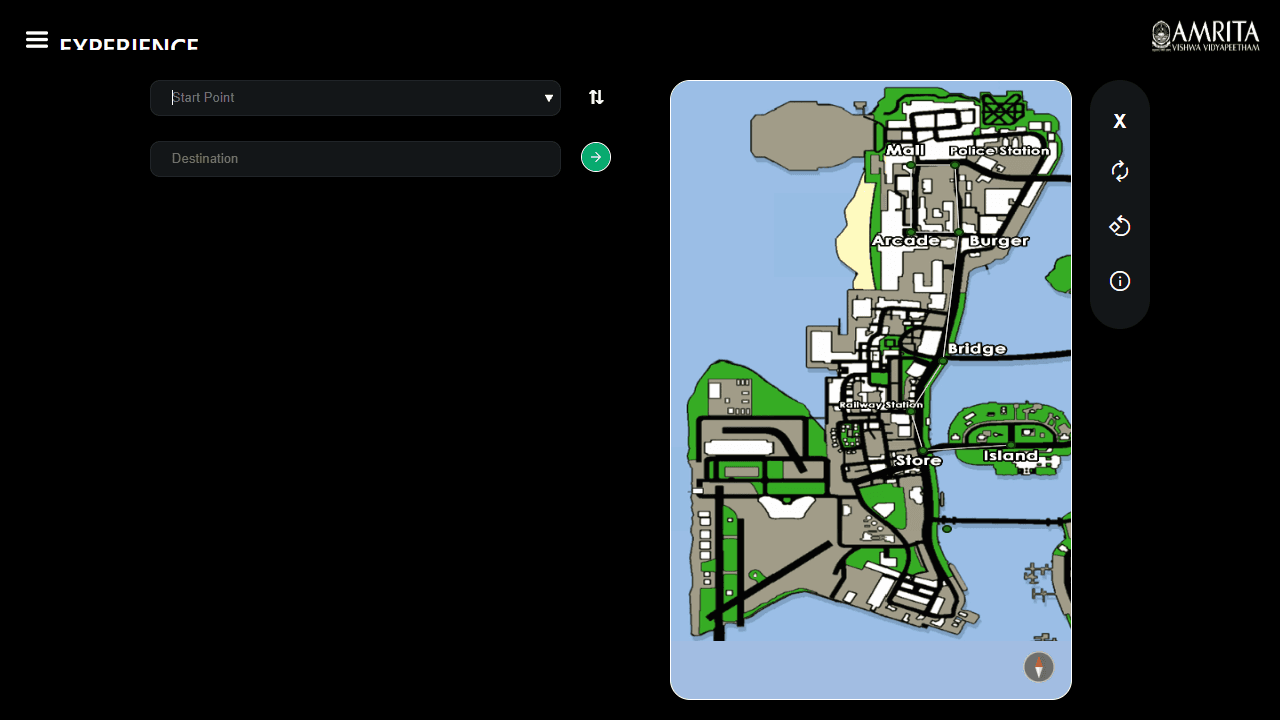
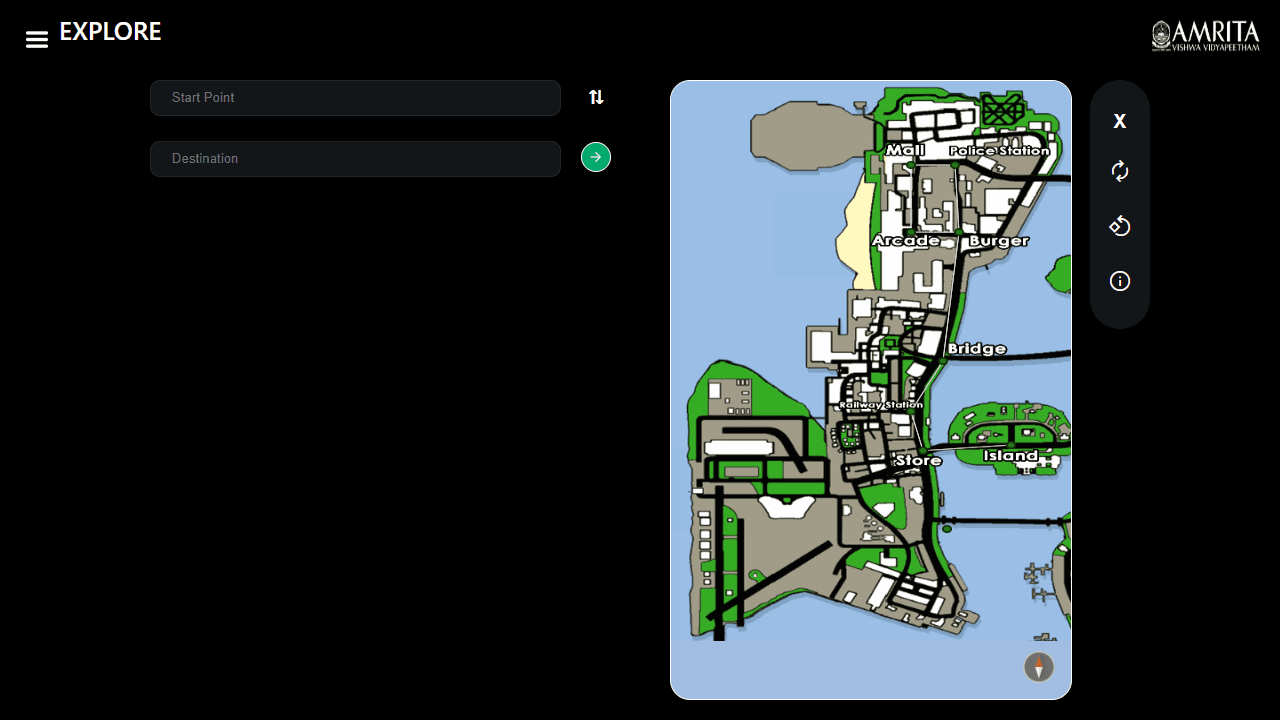
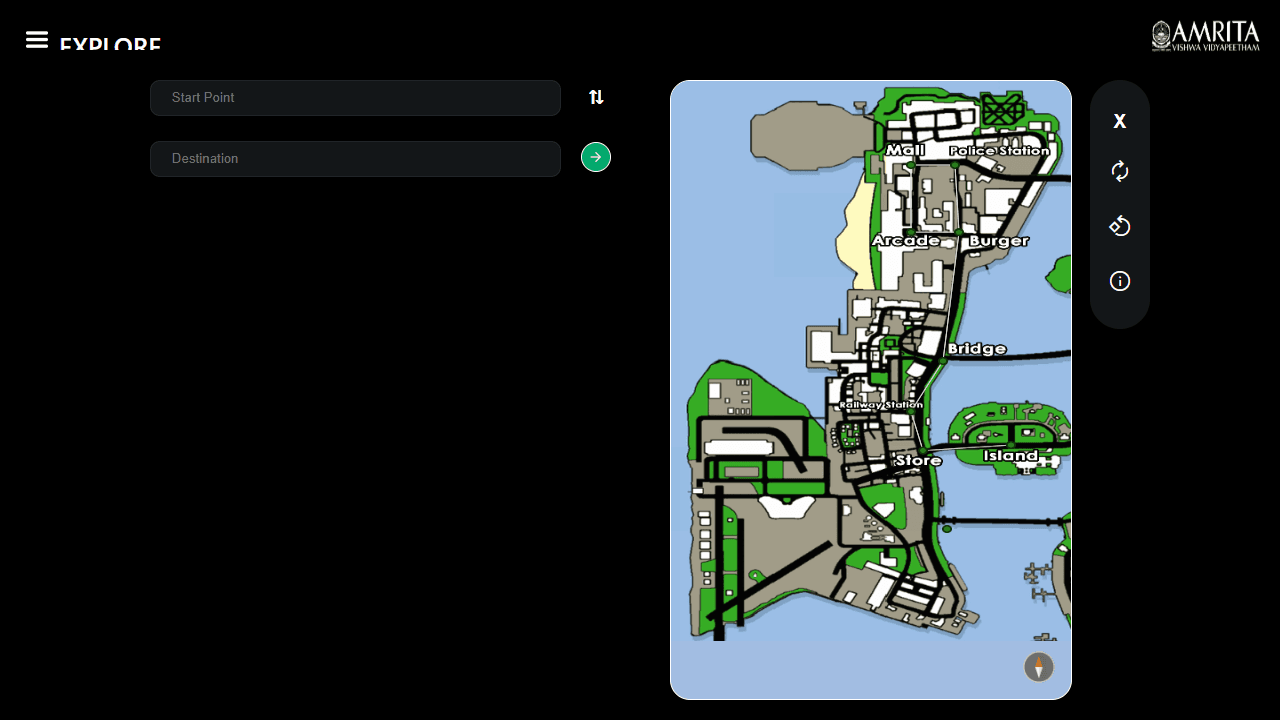
This is a campus navigation tool that helps you find routes between locations on a university campus. **Basic Navigation:** • Enter your start point and destination in the search boxes • Click the arrow button (or "Go") to generate a route • Use the "Next" button to advance through turn-by-turn directions • Use "Back" button if you accidentally skip a direction **Map Controls:** • Zoom: Use two fingers on touchscreen or mouse wheel • Rotate: Use three fingers on touchscreen (not supported on trackpads) • Pan: Click and drag to move around the map • Toolbar buttons: Reset view, rotate 90 degrees, or refresh map **Path Color Coding:** • Red: Route sections you haven't covered yet • Yellow: Sections you've completed • Orange: Sections where you went back **Additional Features:** • Dynamic compass always points north • Direction arrow adapts when you rotate the map • "On your way" section shows points of interest along your route • Click any location for detailed descriptions and images • Swap button (⇅) switches start and destination points The app works offline and shows distance information for your selected route.
Reviews
No written reviews yet. Be the first!
More from Tools

A witchy weather app where Morgana the Witch peers into the meteorological beyond. Get current conditions, hourly forecasts, and a 7-day outlook for any city in the world — then check back tomorrow to see if the Witch's prophecy held, or if she "cast a spell" to change the weather.
by mercury


