
Workout Planner
Plan custom workouts organized by days and exercise blocks with built-in timers, dark/light themes, and local data persistence with JSON export/import.
About Workout Planner
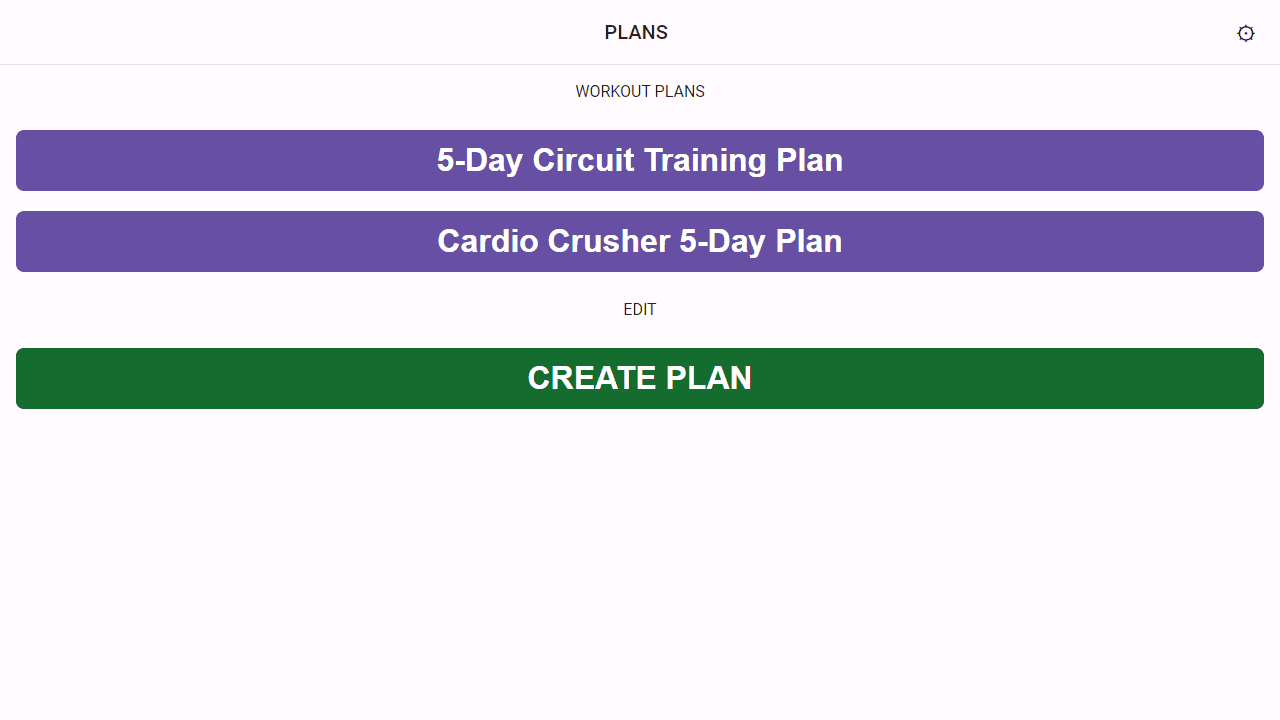
Build your training week exercise by exercise, arranging movements into named blocks across any number of days. Each block runs its own built-in timer, so you're not juggling a separate stopwatch mid-set — just tap and go. A clean dark or light theme keeps the interface easy on the eyes whether you're working under gym fluorescents or morning sunlight.
Everything you create lives locally on your device, and a JSON export lets you back up routines or move them between browsers without losing weeks of careful planning. It's the kind of lifestyle tool that rewards a few minutes of setup on Sunday with a frictionless rest of the week. If you also want timed intervals without the planning layer, Rite Fitness Timer pairs well as a companion app.
Works best on a tablet or desktop where you can see your full week at a glance while you program — though the mobile view holds up fine once your plan is already built.
Look inside
How to use
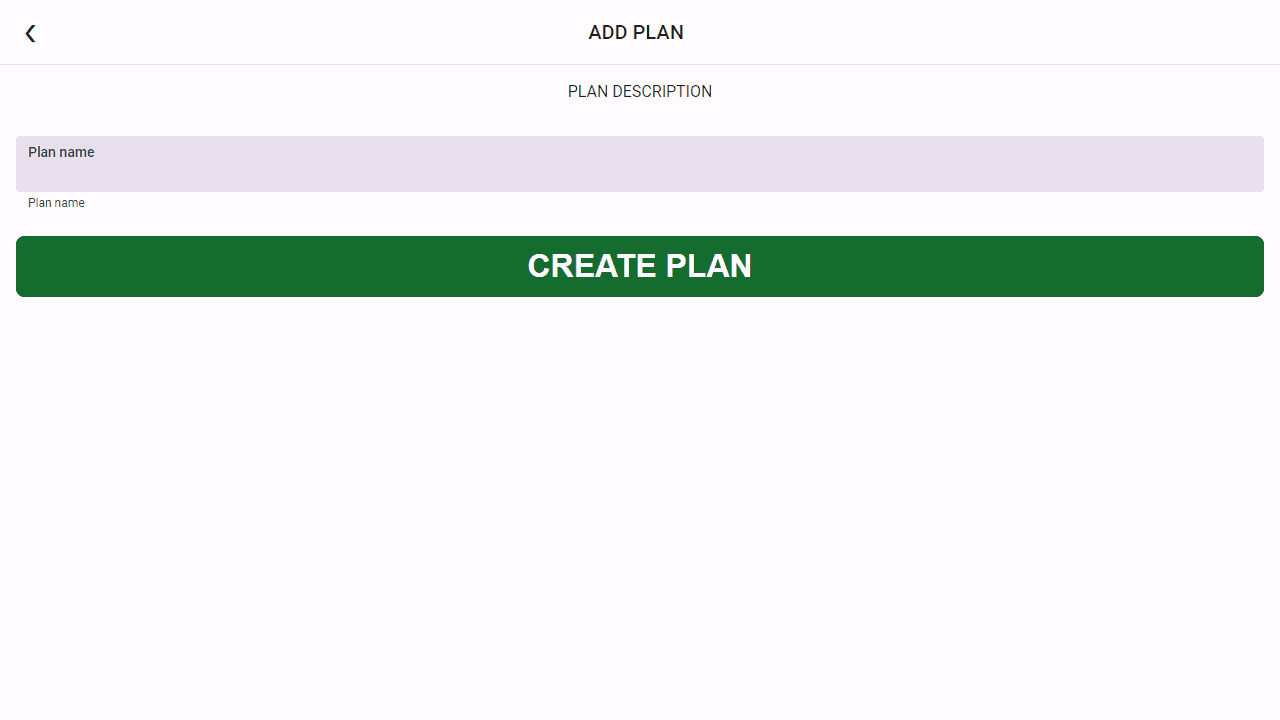
1. Create workout plans by clicking the "+" button on the main page 2. Add workout days to your plan, then add blocks to each day 3. Fill blocks with exercises using the exercise name field and set training times 4. Start a workout from the day view - the app will guide you through each exercise with automatic timers 5. Use mouse/touch to navigate between screens and adjust settings 6. Audio cues will announce exercise transitions if enabled in settings Key features: - Plans contain days, days contain blocks, blocks contain exercises - Timers run automatically and switch between exercises - Adjust exercise duration using the counter inputs - Export/import plans as JSON files for sharing - All data saves automatically in your browser - Access settings to change themes and timer preferences Goal: Build structured workout routines and follow guided timer-based exercise sessions that automatically progress through your planned exercises.
Reviews
No written reviews yet. Be the first!
More from Lifestyle

Your morning news digest. Top stories across 8 categories, updated every 30 minutes.
by Launch Arcade


