Puzzle Maker
A polished 15-tile sliding puzzle with a built-in editor. Choose from preset images or create your own custom puzzles. Features multiple grid sizes and a move counter.
About Puzzle Maker
Slide numbered tiles into order, rearrange a photograph, or challenge a friend with a puzzle you built yourself — Puzzle Maker puts all three within a few taps. Pick a preset image, load your own, then choose a grid size to dial the difficulty up or down. The move counter keeps an honest record of how efficiently you solved it, which turns a casual five-minute session into a quiet competition with yourself.
The built-in editor is the real draw here. Import any image, set the grid, and share the result without leaving the app. It's the kind of feature that makes this a natural pick in the broader world of games that reward creativity alongside problem-solving. If you enjoy logic puzzles with a visual twist, Launch Nonogram is worth a look too.
Works best on a larger screen where the tile edges are easy to distinguish — on a phone, stick to the smaller grid sizes for a comfortable experience.
Look inside
How to use
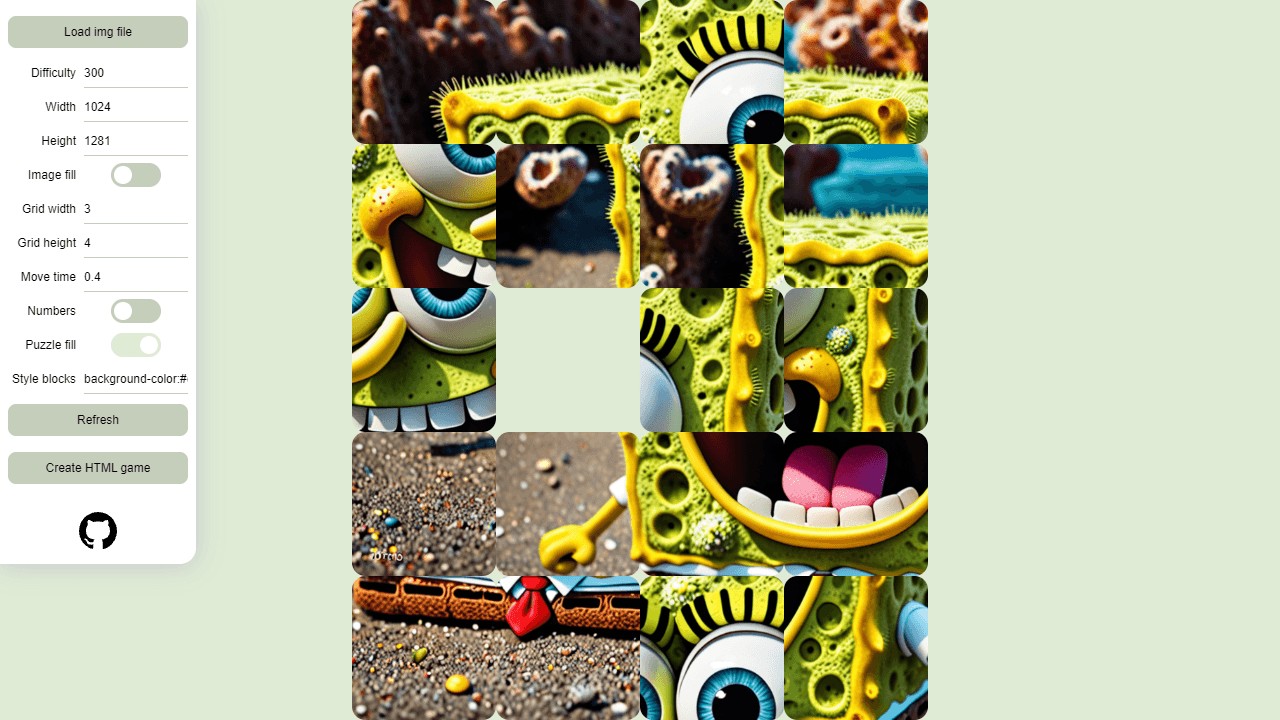
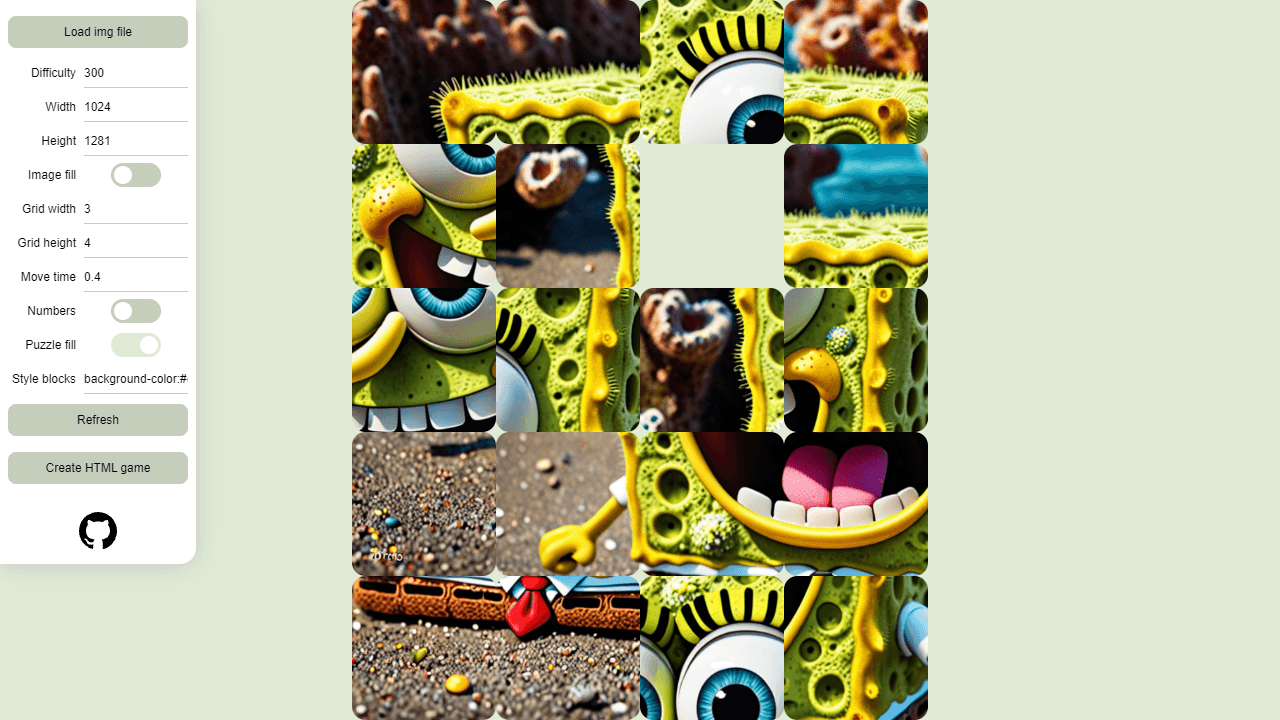
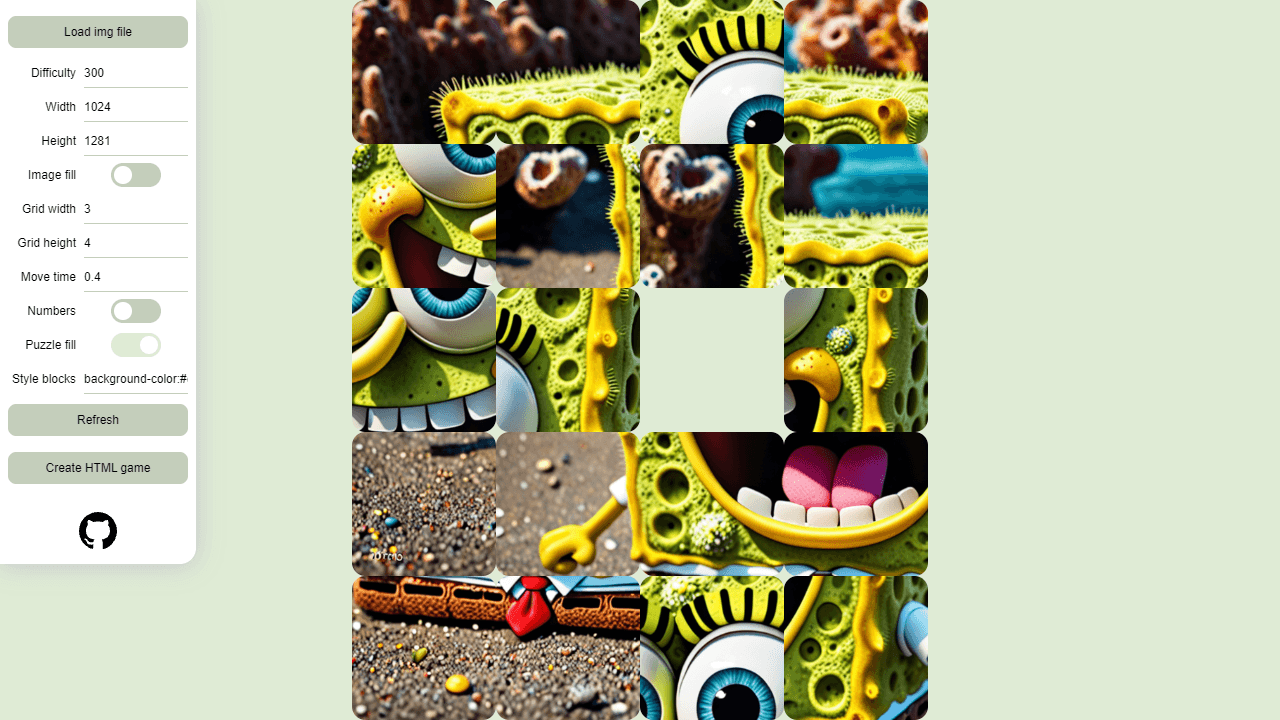
Create sliding puzzle games from your own images. **Getting Started:** • Click "Load img file" to upload an image (PNG, JPG, GIF, or WebP) • Drag and drop images directly onto the page • The puzzle automatically generates with your image **Customizing Your Puzzle:** • Adjust "Grid width" and "Grid height" to change puzzle size (3x4, 4x4, etc.) • Modify "Width" and "Height" to resize the puzzle display • Change "Difficulty" to control how shuffled the puzzle starts • Toggle "Numbers" to show/hide piece numbers • Adjust "Move time" for faster or slower animations **Controls:** • Click puzzle pieces to move them into the empty space • Use keyboard arrow keys to move pieces • Gamepad/controller support available **Creating Games:** • Click "Refresh" to apply setting changes • Click "Create HTML game" to download a standalone puzzle file • Share the HTML file or embed it in websites **Goal:** Arrange the scrambled pieces back into the original image order.
Reviews
No written reviews yet. Be the first!
More from Games

Higher or lower, for cardboard. Two cards face off — pick the one worth more and your streak climbs. One wrong call ends the run. Play the seeded Daily, a quick Round of 10, or chase an Endless high score, then share your streak.
by CollX