
Foodie
Browse a delicious menu, pick your meals, and place orders in this beautifully designed food ordering experience.
About Foodie
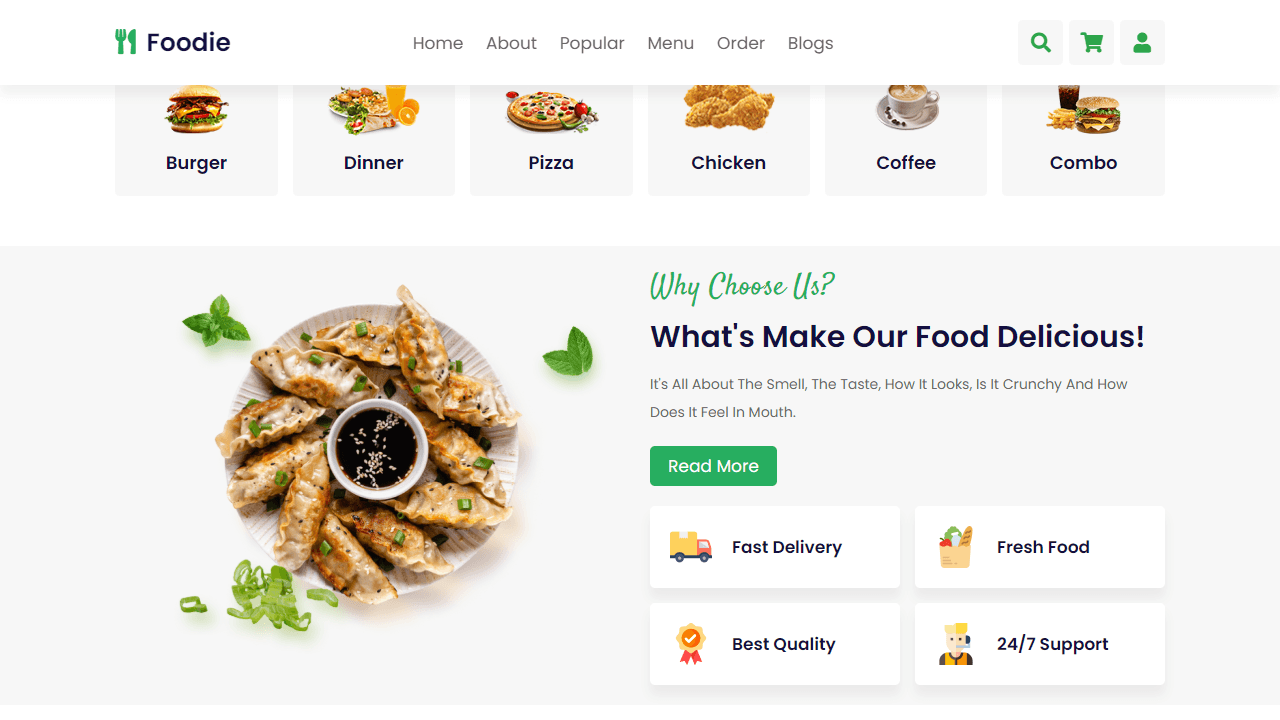
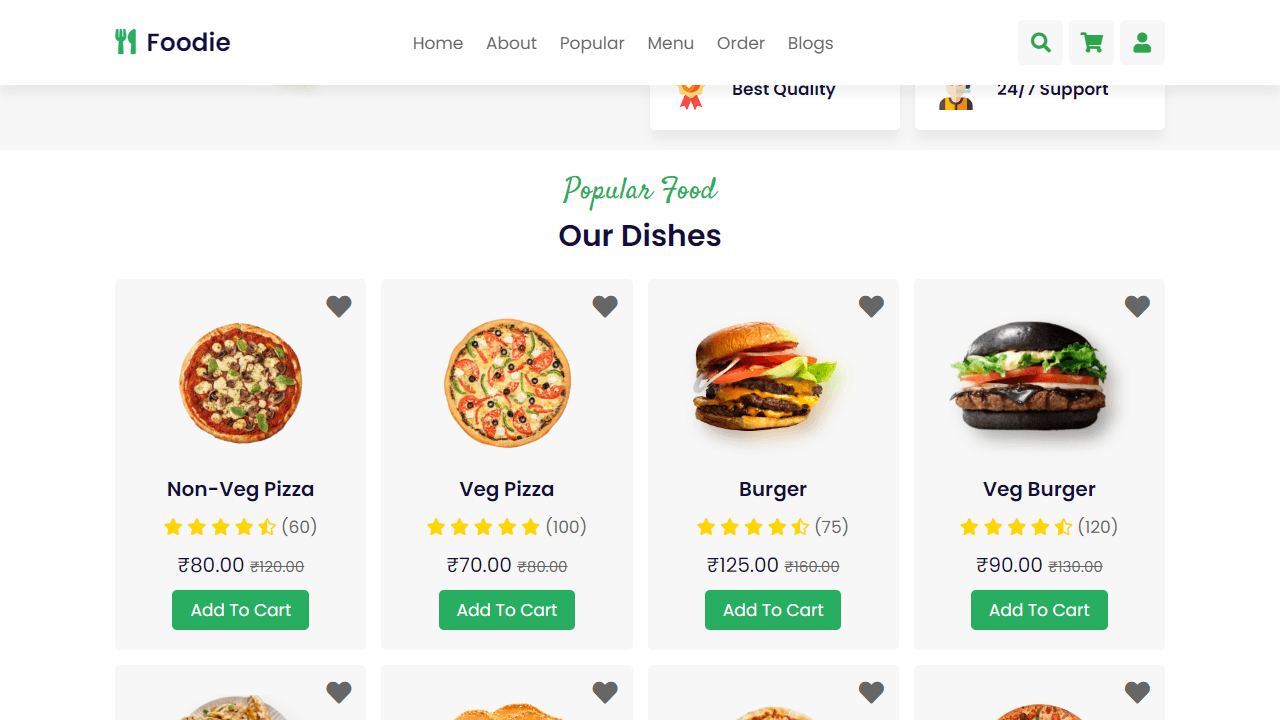
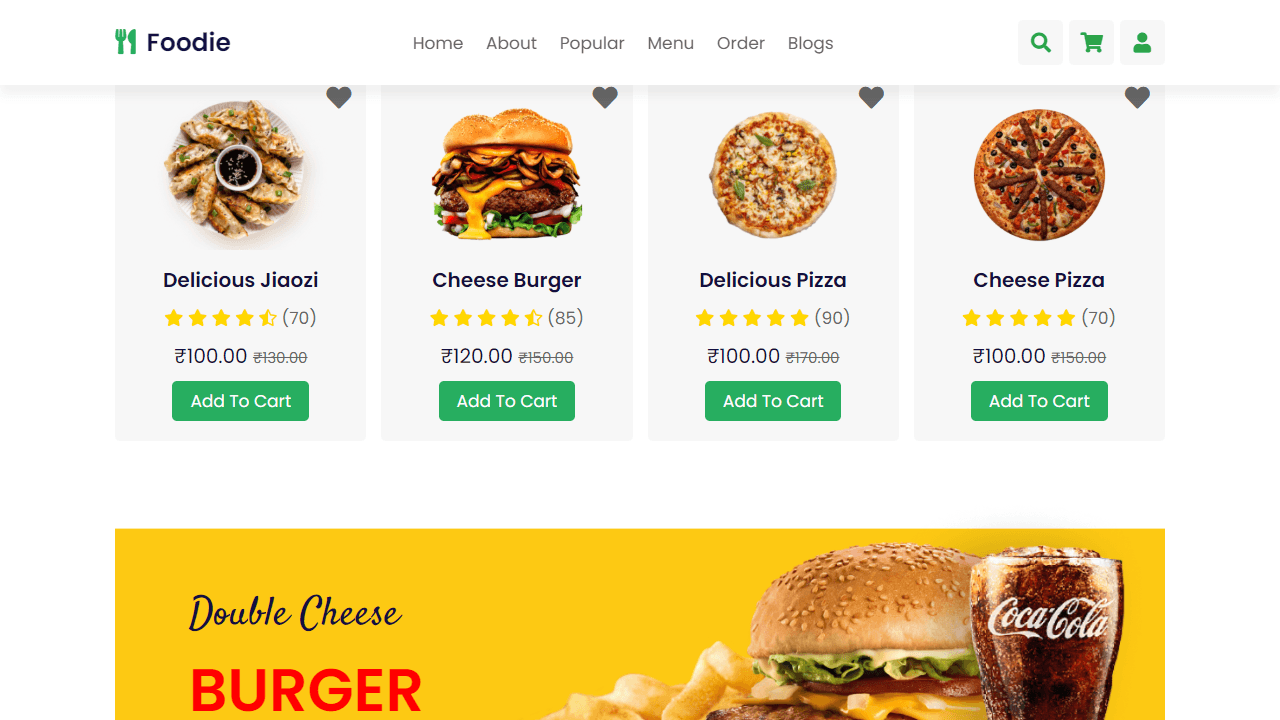
Browsing a restaurant menu, tapping through dishes, and confirming an order — that's the core loop in Foodie, a clean food-ordering interface built around a well-structured digital menu. Each item is presented with enough detail to make a real choice, and the checkout flow keeps things straightforward without unnecessary steps.
It's a solid demo of what a modern lifestyle app can feel like when the design actually gets out of the way. The photography-forward layout rewards a larger screen, since the menu grid spreads across the full width and makes dishes easier to compare side by side.
Best experienced on a tablet or desktop where the full menu renders without scrolling past every item just to get an overview.
Look inside
How to use
Browse the website to explore menu options and place food orders. Use your mouse to navigate through different sections and interact with all features. Basic Navigation: • Click navigation links (home, about, popular, menu, order, blogs) to jump to different sections • Scroll up/down to browse through content • Click category boxes (burger, pizza, chicken, etc.) to explore food types Ordering Process: 1. Browse popular dishes and full menu sections 2. Click "add to cart" buttons on items you want 3. Click the shopping cart icon in the top header to view your cart 4. Adjust quantities using the number inputs in cart items 5. Remove items by clicking the X icon on each cart item 6. Click "proceed to checkout" to complete your order Additional Features: • Click the search icon to find specific dishes - type in the search box that appears • Click the user icon to access the login form • Click heart icons on food items to favorite them • View ratings, prices, and descriptions for each dish The goal is to browse the menu, add desired items to your cart, and complete your food order through the checkout process.
Reviews
No written reviews yet. Be the first!
More from Lifestyle

Your morning news digest. Top stories across 8 categories, updated every 30 minutes.
by Launch Arcade


