How to Use
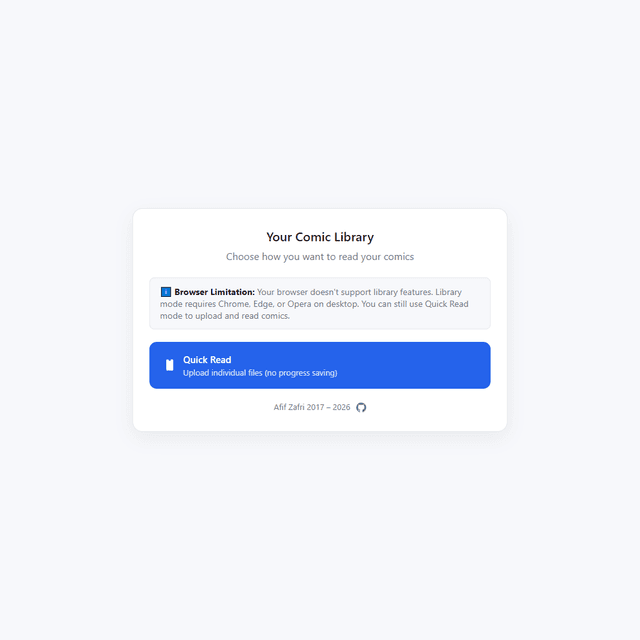
This is a digital comic book reader that supports CBR, CBZ, and CBT files with two reading modes: **Library Mode (Chrome/Edge/Opera only):** 1. Click "Select Comics Folder" to choose your comics directory 2. Grant folder access permission when prompted 3. Browse comics with auto-generated cover thumbnails 4. Click any comic to start reading 5. Your progress automatically saves and syncs across sessions 6. Use "Recently Read" section for quick access to last 5 comics **Quick Read Mode (any browser):** 1. Click "Quick Read" 2. Drag and drop comic files or click to select 3. Comic opens immediately but progress won't be saved **Reading Controls:** - Click pages or use arrow keys to navigate - Mouse wheel to zoom in/out - F key for fullscreen mode - ESC to exit fullscreen - Thumbnails strip at bottom for quick page jumping **Goal:** Read your comic collection with automatic progress tracking. The app remembers exactly where you left off in each comic and resumes from that page when you return. **Note:** Library features require HTTPS and modern browsers. Safari/Firefox users can only use Quick Read mode.