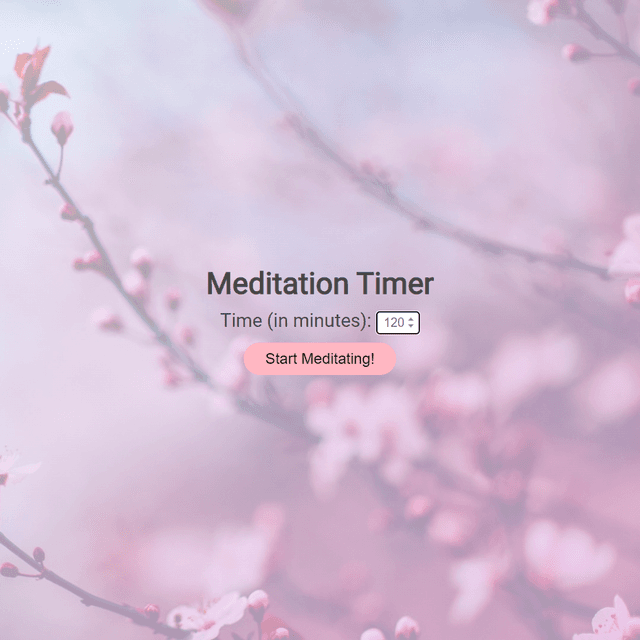
Meditation Timer
Set your meditation duration with a calming countdown and bell on completion.
Created by kellim
Create a free account to get instant access
How to Use
Set your desired meditation duration in minutes (1-999) using the number input field, then click "Start Meditating!" to begin the countdown timer. Once the timer starts: • Click the pause button to temporarily stop the countdown • Click the play button to resume after pausing • Click the stop button to end the session and return to the input screen • Click the restart button to reset the timer back to your original time The timer displays in HH:MM:SS format and counts down to 00:00:00. When time expires, a notification modal appears with a completion sound. Click "OK" or the X button to close the completion notification and return to the input screen to start a new session. The app helps you maintain focus during meditation by tracking your session time without needing to check the clock.