How to Use
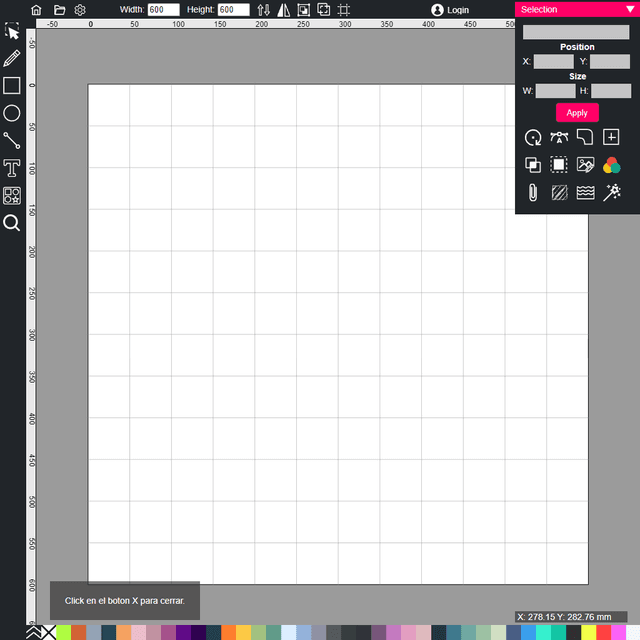
Create and edit vector graphics in SVG format using various drawing tools and effects. Basic Controls: • Left toolbar: Select drawing tools (freehand pencil, polygon, ovals, rectangles, text, cliparts) • Click and drag to draw shapes with selected tool • Right-click or select objects to modify properties • Top menu: Access file operations, settings, and document size controls Drawing Tools: • Freehand pencil: Draw smooth curves by dragging • Polygon tool: Click points to create straight segments, click red starting point to close • Ovals: Draw circles from center outward • Rectangles: Create squares and rectangles • Text: Add text with 500+ Google Fonts available • Cliparts: Insert pre-made vector graphics from gallery Advanced Features: • Right panel: Edit bezier nodes, alignment, boolean operations, gradients, and effects • Top bar: Layer ordering (front/back), mirroring, grouping, grid alignment • File menu: Import files, export as SVG or PNG, print Select objects to access color, gradient, and styling options in the right panel.